Fillable PDF Planners You Can Type Into and Print
A fillable PDF planner is a downloadable planner template you can type into, save, and print when the file includes supported fillable fields. It is not a physical planner shipped to your home; it is a digital download for people who want clean typed planning, printable paper pages, or both.
Type into supported PDF fields
Save a working copy
Print blank or completed pages
Use for work, business, routines, and bundles
Fillable PDF Planners: Quick Answer
Fillable PDF planners are PDF planner templates that let you type into supported fields before saving or printing. The best workflow is simple: download the PDF, open it in a compatible reader, type into the fillable fields, save a working copy, and print the page if the product supports printing.
The main rule is product-specific: a PDF planner is only fillable when the product page or included files confirm fillable fields. A printable PDF planner may look similar, but it may be designed only for printing and handwriting.
Shop Fillable PDF Planner Templates by Use Case
Search intent for fillable planner queries is product-heavy, so start with the planning job first. Use these product paths as a buyer-friendly shortcut, then verify the file details on each product page before purchase.
What Is a Fillable PDF Planner?
A fillable PDF planner is a downloadable PDF planner file with fields or text-entry areas that allow typed planning inside the PDF. The defining feature is not the color style, page count, or whether the layout looks like a paper planner. The defining feature is field behavior.
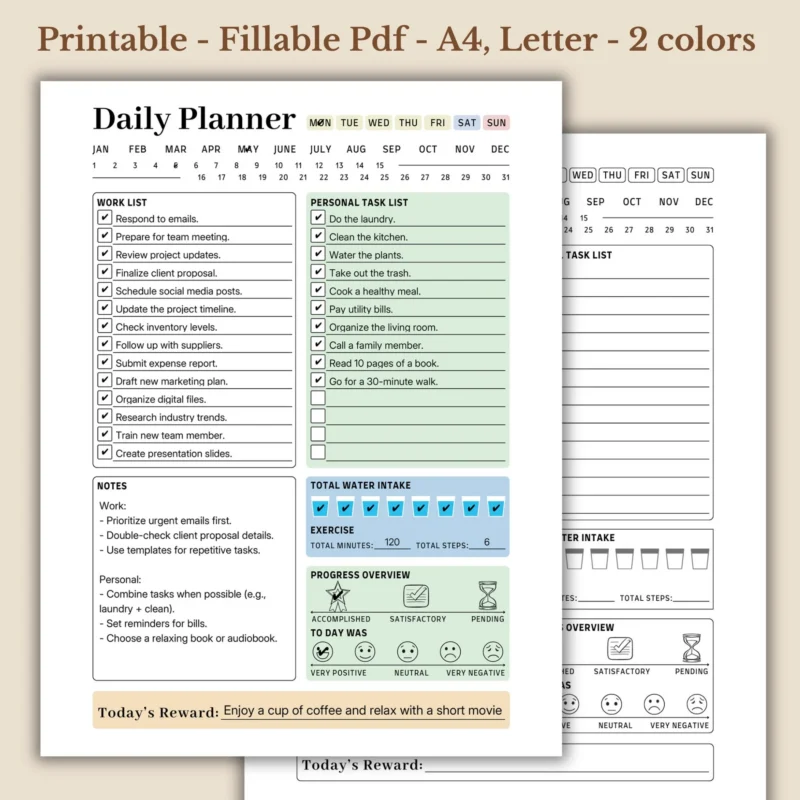
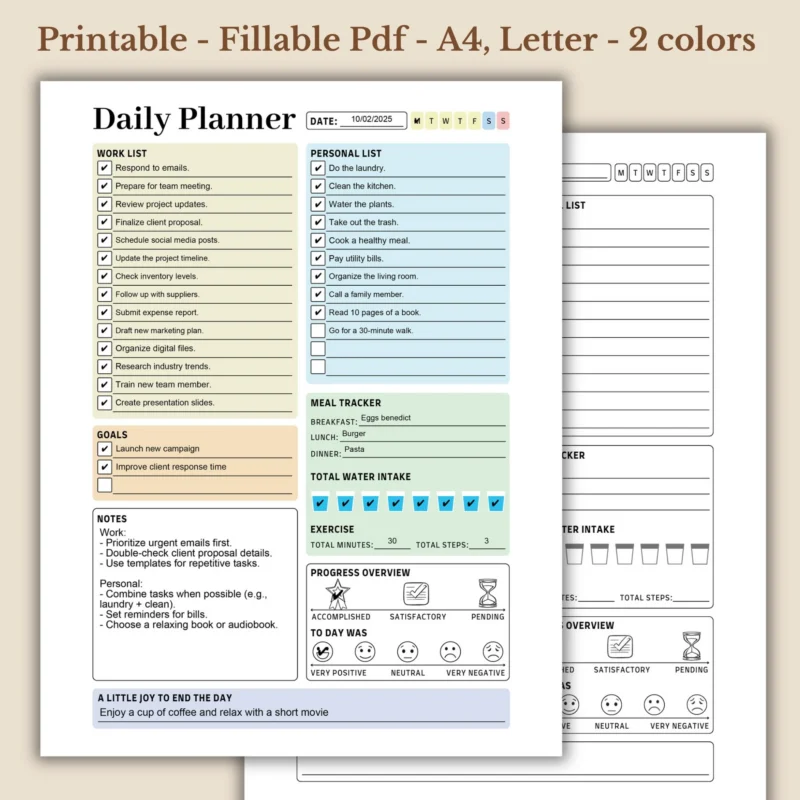
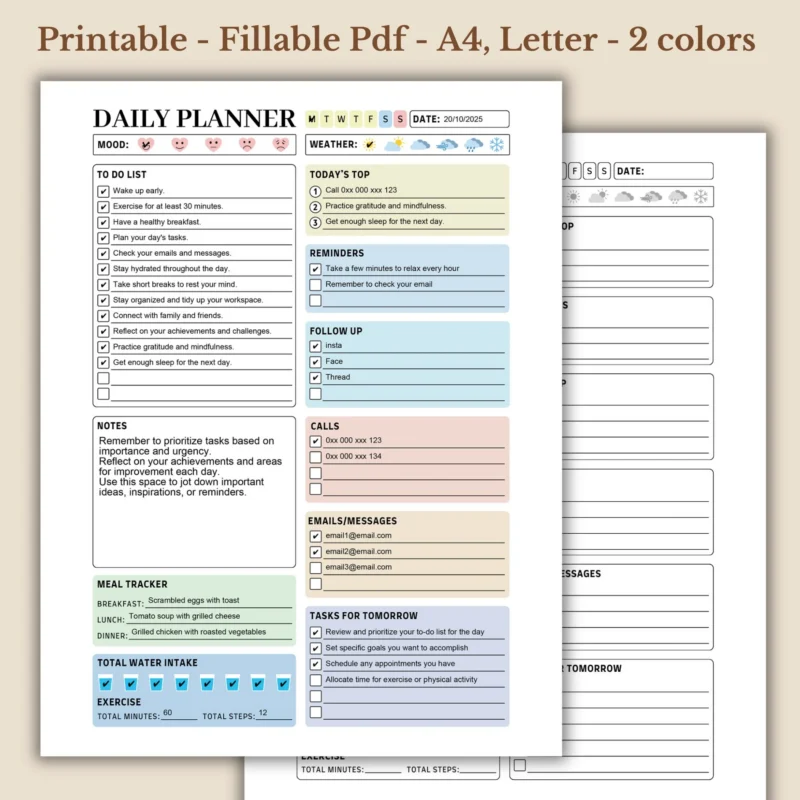
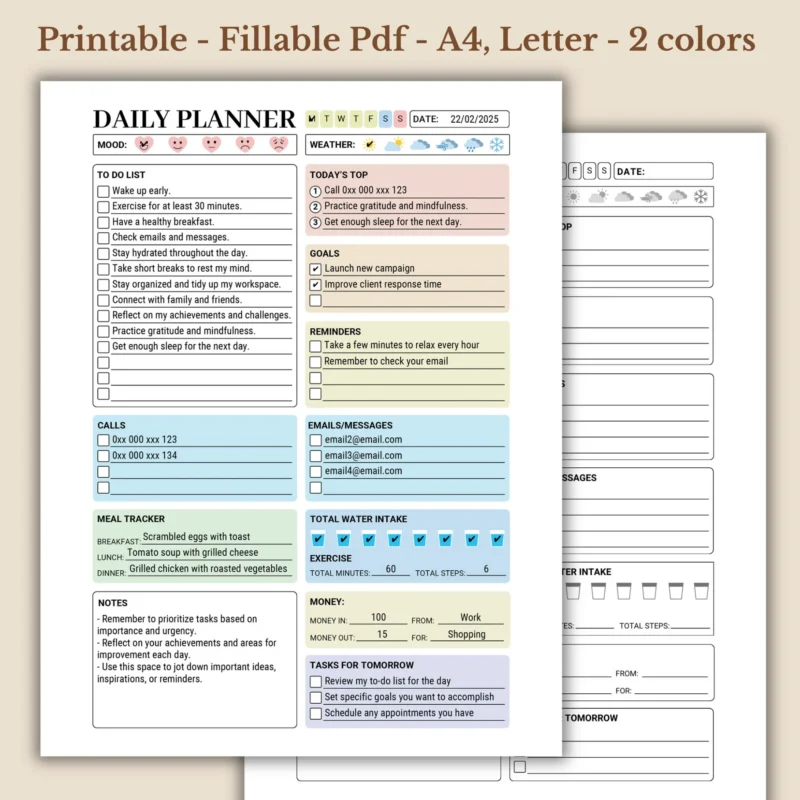
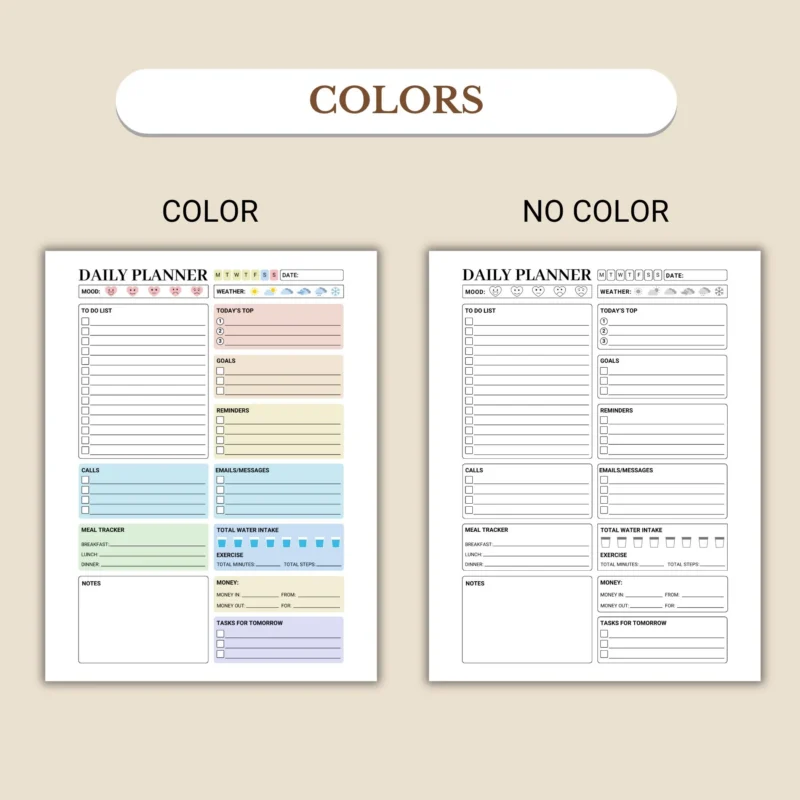
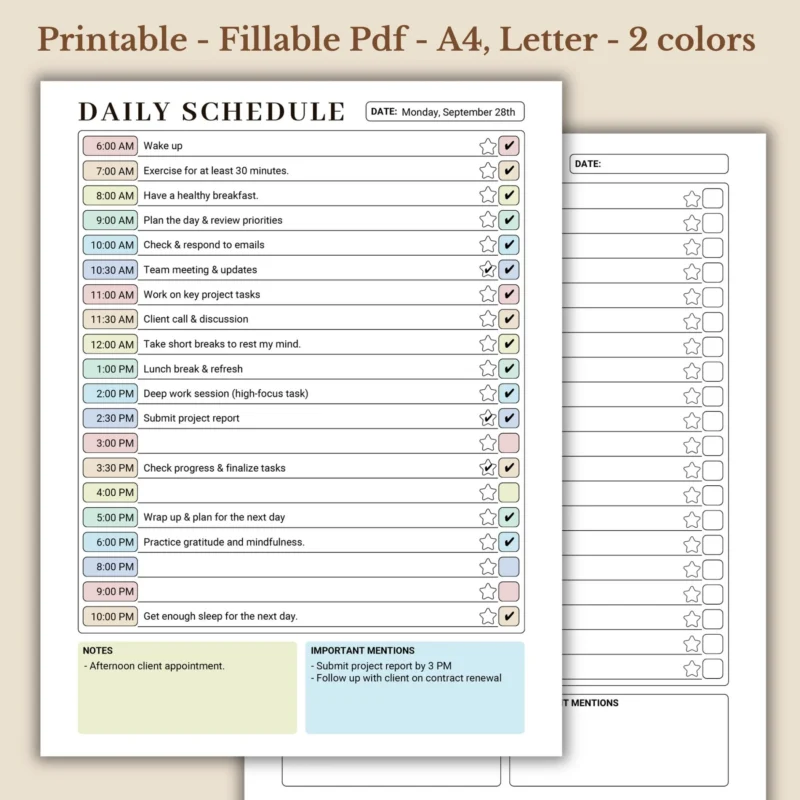
A fillable PDF planner can include text boxes, checkbox areas, date fields, note sections, task fields, schedule blocks, or priority sections that accept typed information. It works well when you want a clean planner page without rewriting the same routine by hand.
How Fillable Fields Work
Fillable fields turn selected areas of a PDF planner into interactive areas for typed text or supported inputs. When you click into a field, a compatible PDF reader lets you enter text, mark a checkbox, or complete the section based on how the file was built.
What a Fillable PDF Planner Is Not
A fillable PDF planner is not the same as every printable PDF planner, every editable design template, or every tablet-based digital planner. Printable means print-first. Editable can mean changing a design template. Fillable means the finished PDF includes areas where the end user can type into the planner.

How Fillable PDF Planners Work After Download
Fillable PDF planners work through a download, open, type, save, and print workflow. Daily Digital Planner products are digital downloads, so the file access happens online rather than through physical shipping.
1. Download the PDF files
Save the included PDF files somewhere easy to find. Keep an original blank copy before editing any fillable planner.
2. Open in a compatible PDF reader
Use the product instructions as the rule. Adobe Acrobat Reader is often the safest choice for fillable PDF versions.
3. Type, save, and keep a blank copy
Save a separate working copy for each day, week, client project, classroom routine, or home system you want to plan.
4. Print when you want paper
Some people type first, then print the completed page for a desk, binder, clipboard, fridge, or meeting folder.
Choose a Fillable Planner by Workflow
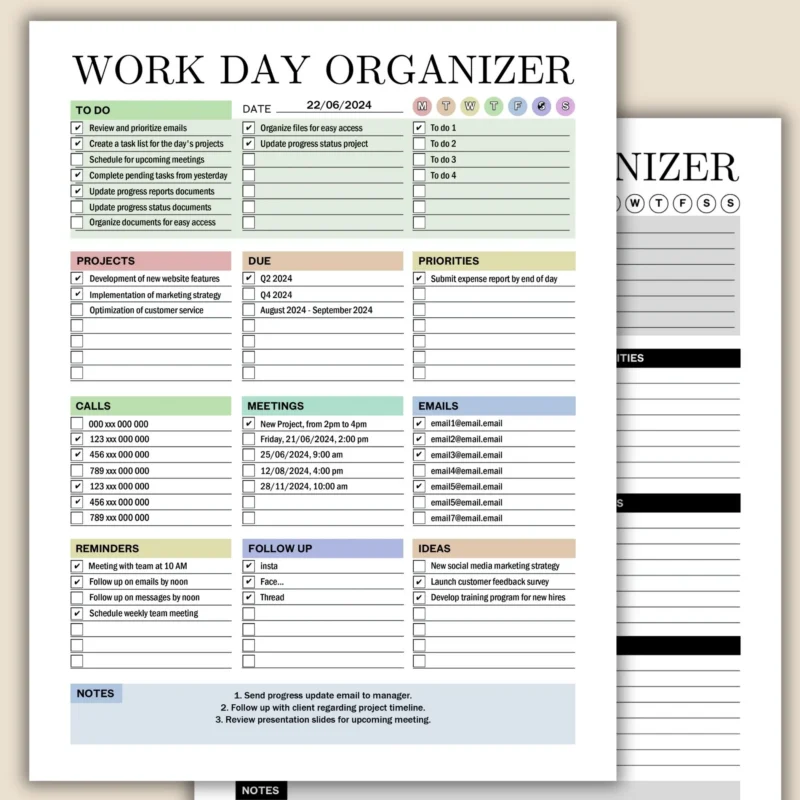
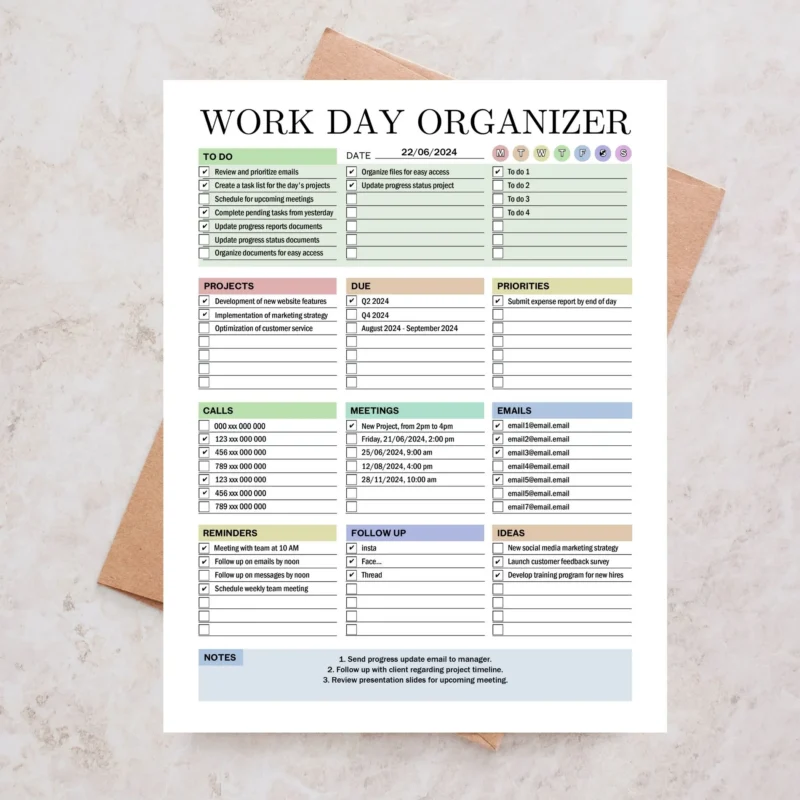
Fillable Work Planners
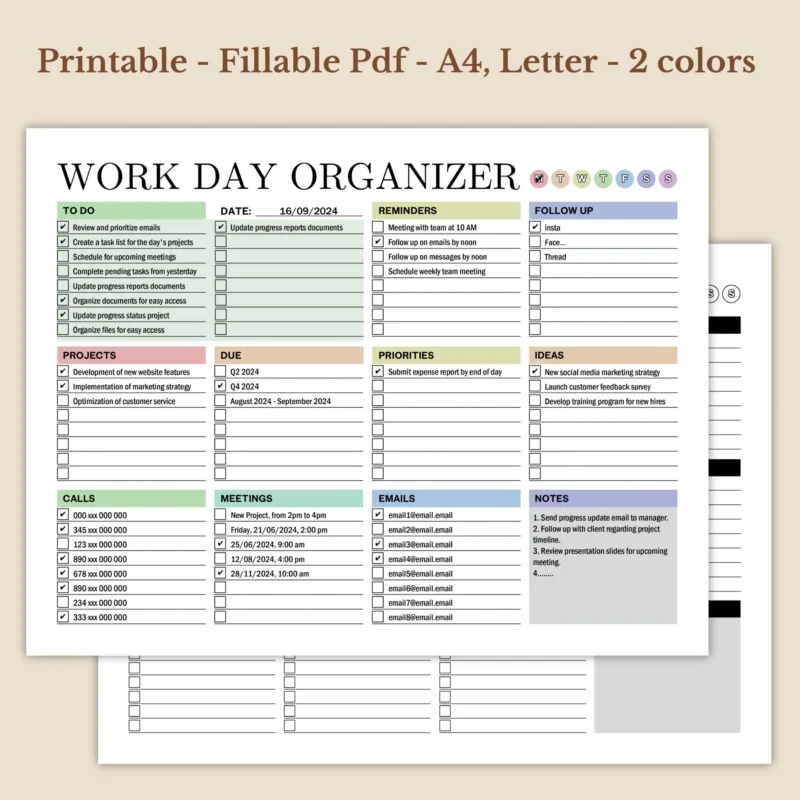
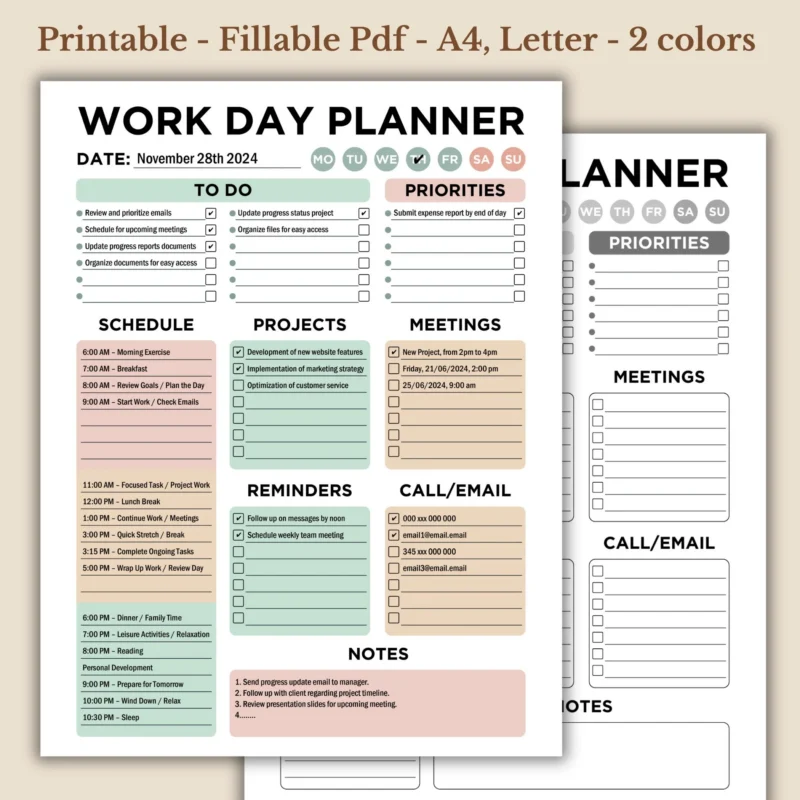
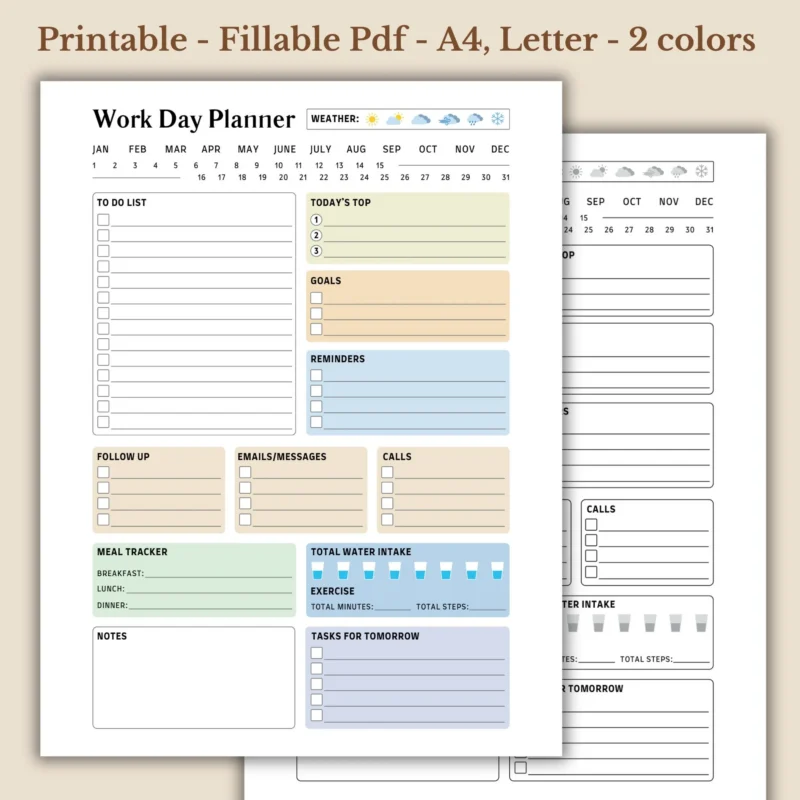
Best for tasks, schedules, projects, meetings, reminders, and daily workflow planning. Use one when you want a typed daily task list and a printable desk page.
Fillable Daily and Weekly Planners
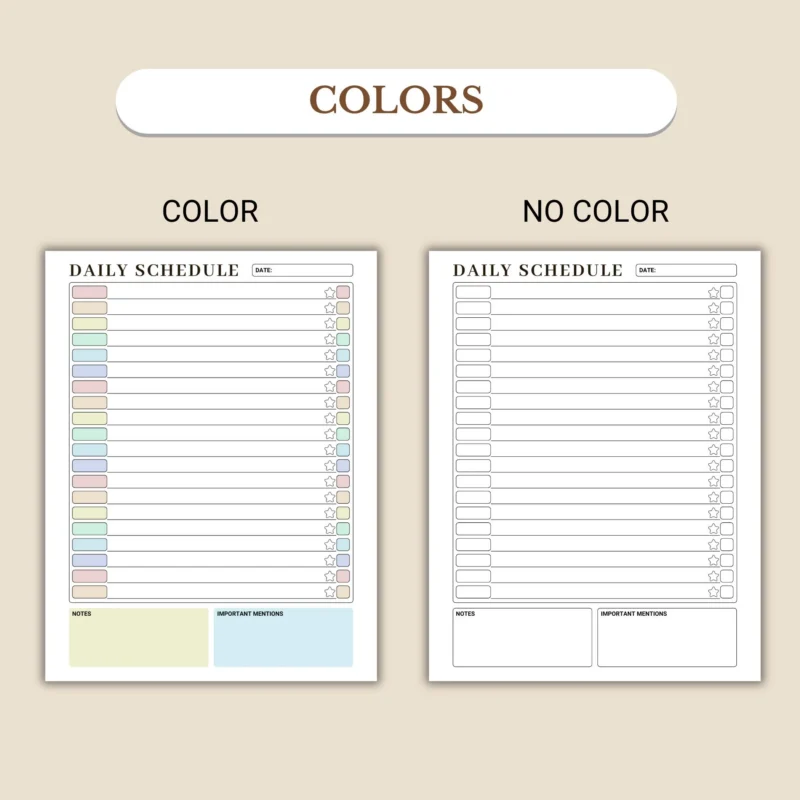
Best when your routine needs repeated typed planning blocks. Choose daily for today-specific details and weekly for appointments, focus blocks, and recurring priorities.
Fillable Business and Project Planners
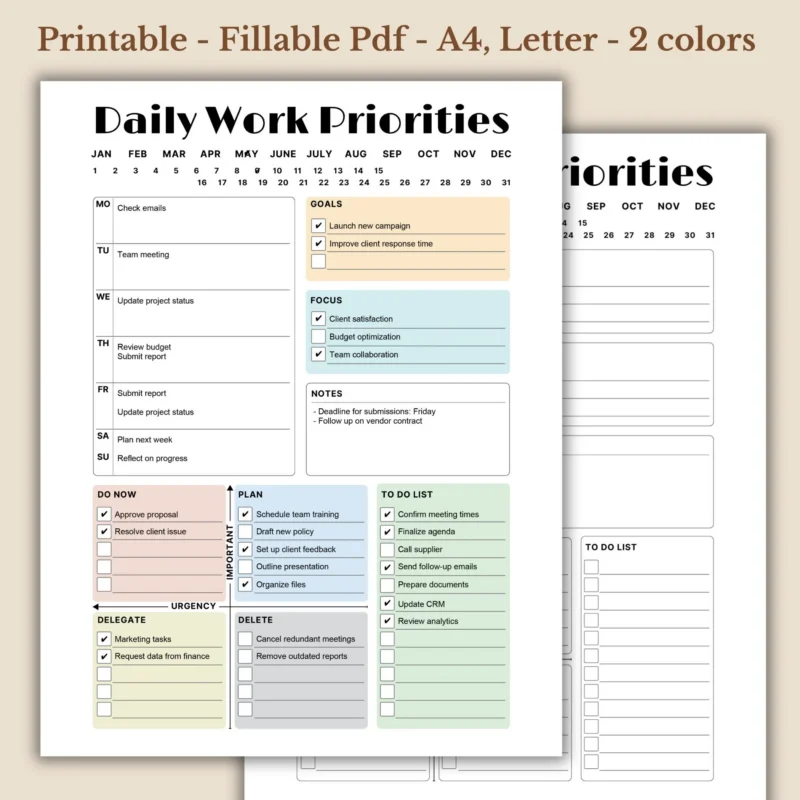
Best for client work, campaigns, product launches, task delegation, milestones, and project tracking for small business owners and professionals.
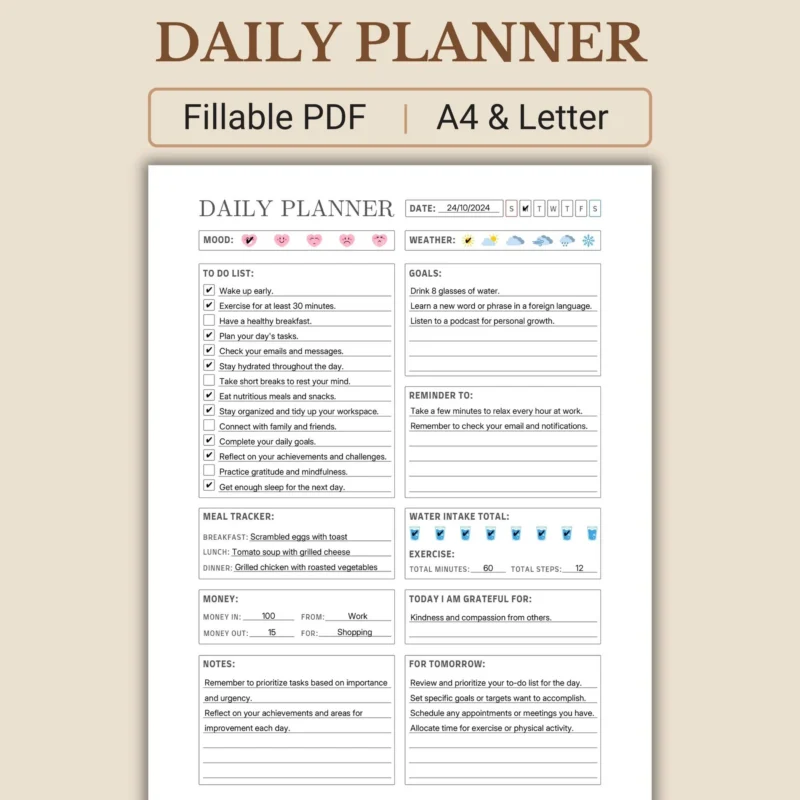
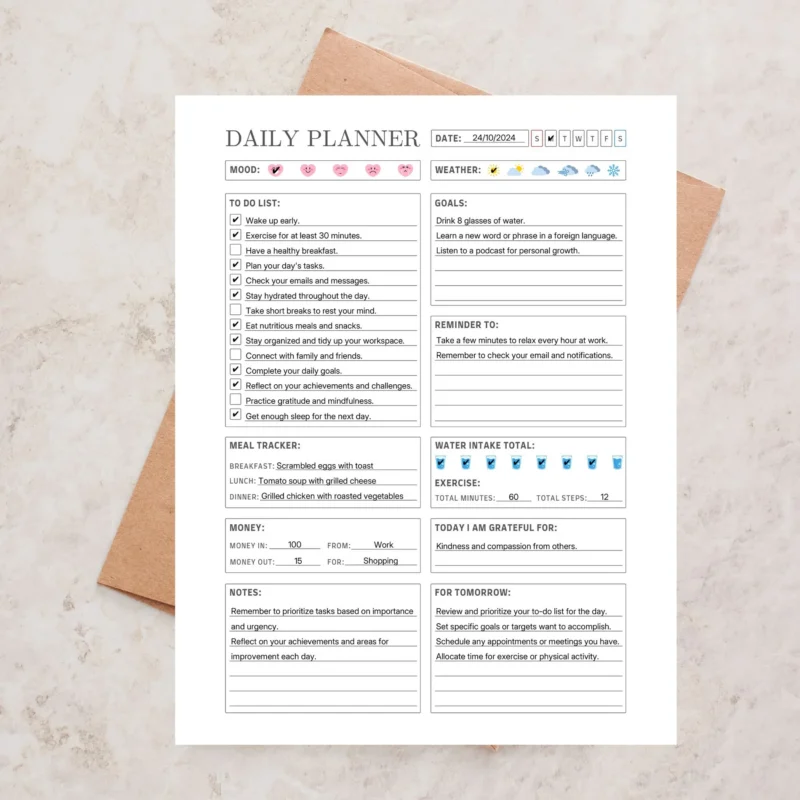
Fillable Wellness and Work-Life Balance Planners
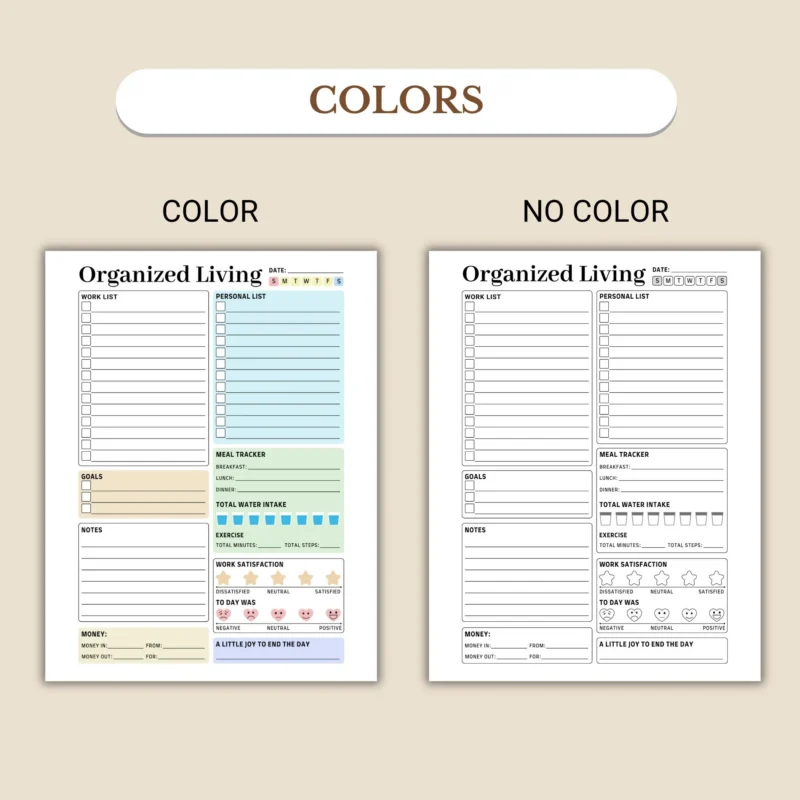
Best when planning needs both tasks and wellbeing cues, such as habits, meals, mood, water, routines, and work-life visibility.
Fillable Planner Bundles
Best when you need several related templates before you know which layout will fit your routine. Bundles work well for professional workflows with many planning views.
Fillable PDF Planner vs Printable Planner
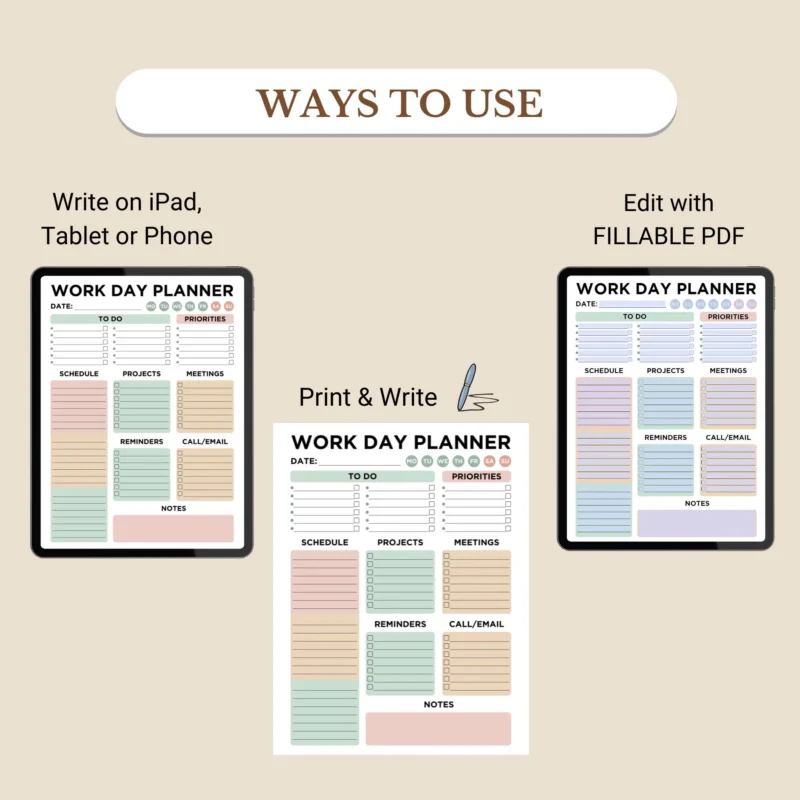
A fillable PDF planner is for typed fields, while a printable planner is for printing pages and writing by hand. Both formats can be downloadable planner PDFs, but the primary action is different.
Fillable PDF Planner
Main action: type into supported PDF fields. Best for clean typed entries, reusable copies, and printed typed pages.
Printable Planner
Main action: print and write by hand. Best for binders, visible paper routines, handwriting, and low-software planning.
What to Check Before Buying a Fillable PDF Planner
Before buying a fillable PDF planner, check the file type, fillable support, paper sizes, software guidance, and included layouts. The product title alone is not enough.
Included file types
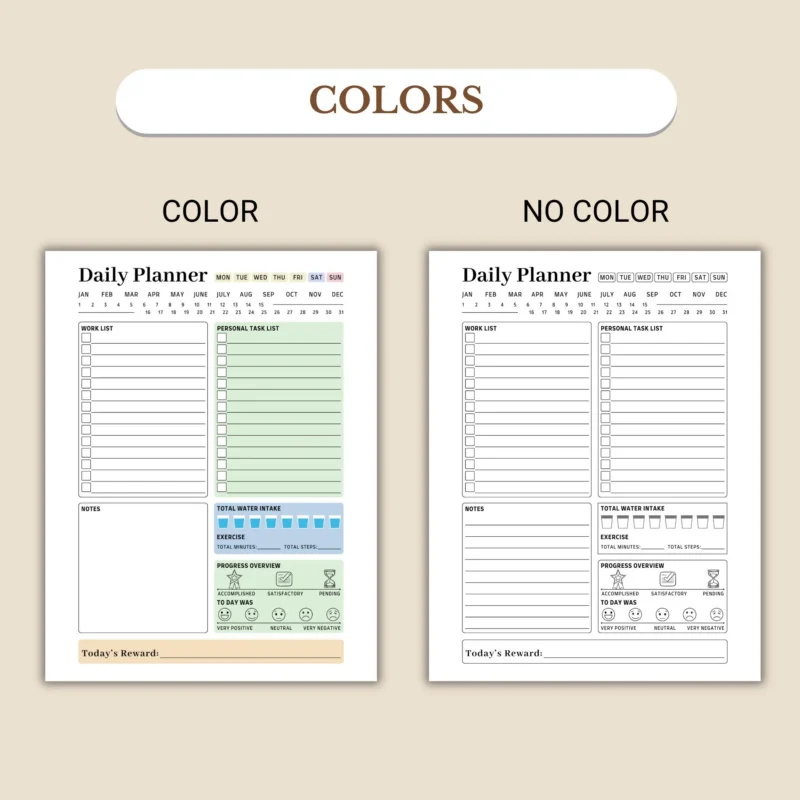
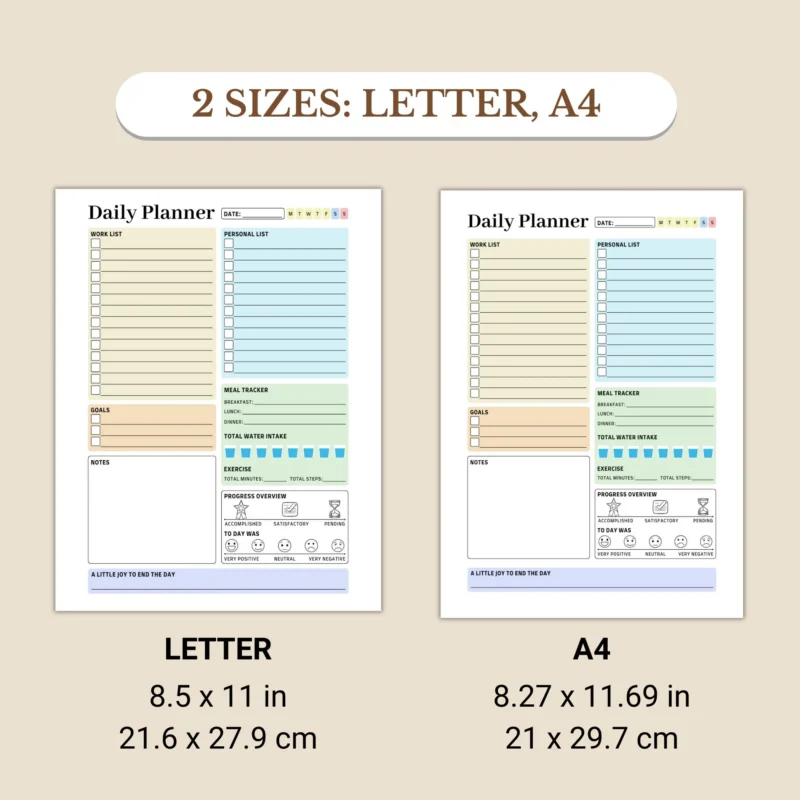
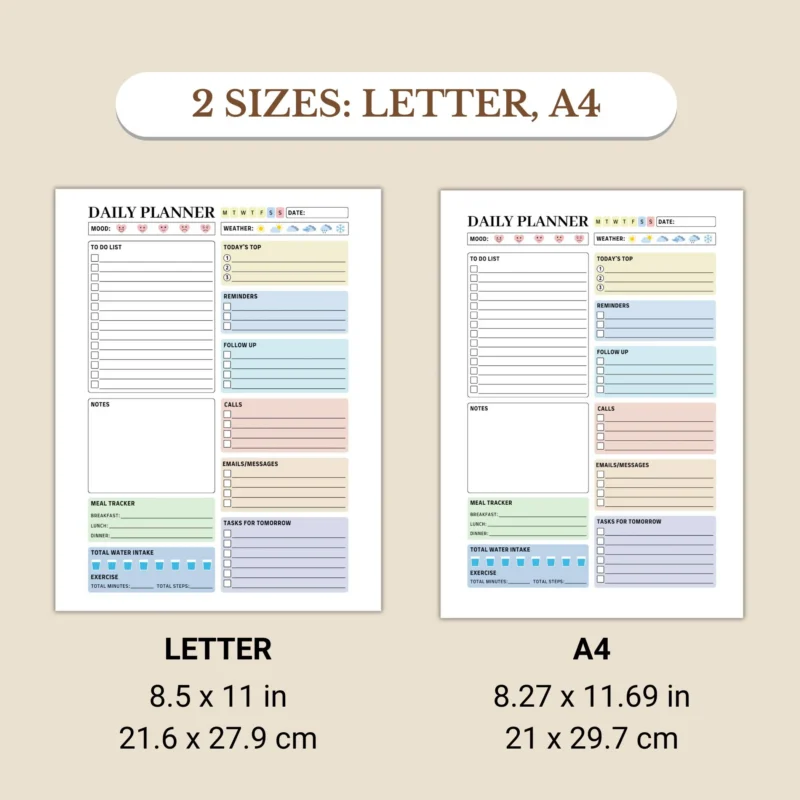
US Letter, A4, or stated size
Confirmed fillable PDF support
Adobe Reader or reader guidance
Digital download details
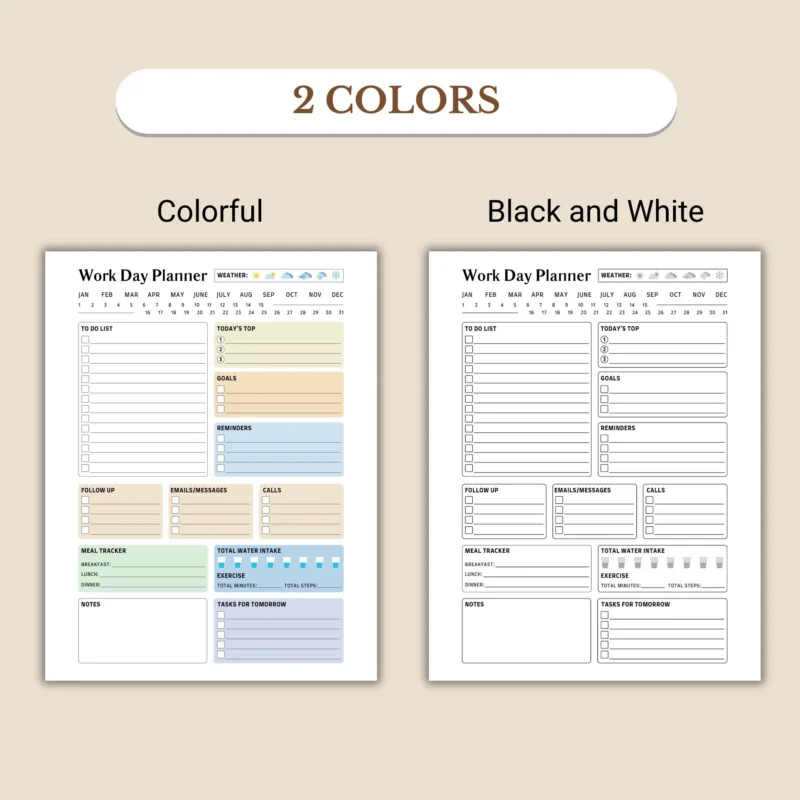
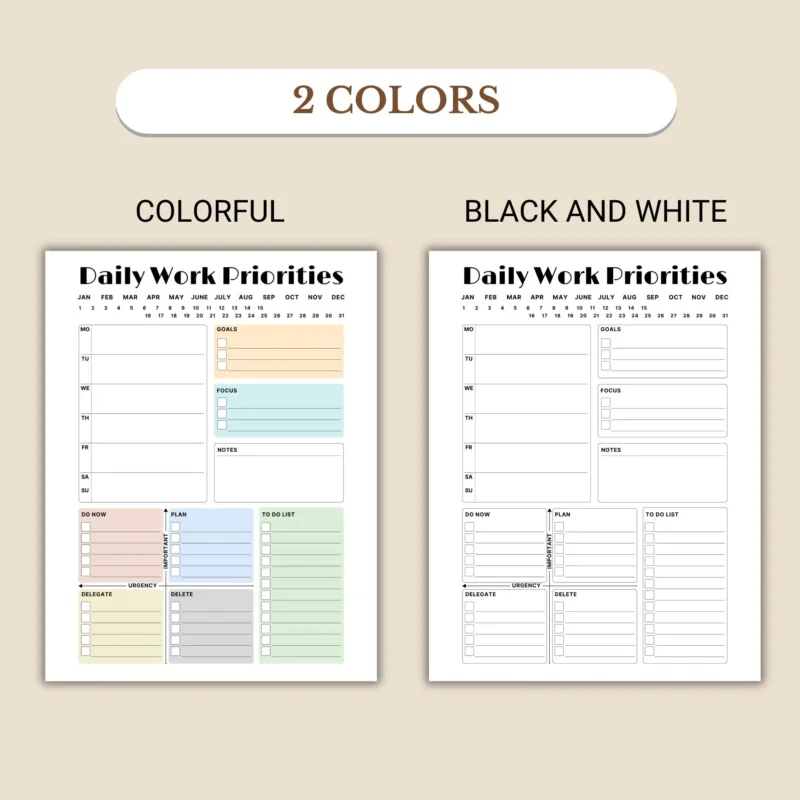
Print-friendly version
Screenshots or previews
Enough typing space
Best Fillable PDF Planner Features to Look For
The best fillable PDF planner features make typing, saving, printing, and reusing the file easier. A beautiful planner can still be frustrating if it has tiny fields, unclear sections, no print-friendly version, or no software guidance.
Clear typed fields
Look for task, note, priority, schedule, routine, or project fields that match the planning job.
Reusable file handling
Keep a blank master and save separate copies for each day, week, project, or client workflow.
Print-friendly design
Check margins, paper size, black-and-white options, and whether typed entries print cleanly.
Buyer instructions
The product page should tell you what files are included and what reader is recommended.
Fillable PDF Planner FAQ
Can I type into every PDF planner?
No. You can type into a PDF planner only when the product includes supported fillable fields. A printable-only PDF may need to be printed and written by hand.
Can I print a fillable PDF planner after typing?
Often yes, when the file and PDF reader support printing typed entries. Test one page first if you are using a new reader or device.
What app should I use for a fillable PDF planner?
Use the product instructions first. For fillable PDF versions, Adobe Acrobat Reader is usually the safest starting point because browser previews may not preserve entries reliably.
Are fillable PDF planners good for work planning?
Yes. They work well for typed schedules, task lists, meeting notes, client work, campaigns, and reusable project planning pages.
Is a fillable PDF planner the same as a digital planner?
It is one type of digital planner. A fillable PDF planner focuses on typeable PDF fields, while other digital planners may be designed for tablet annotation or hyperlinked navigation.