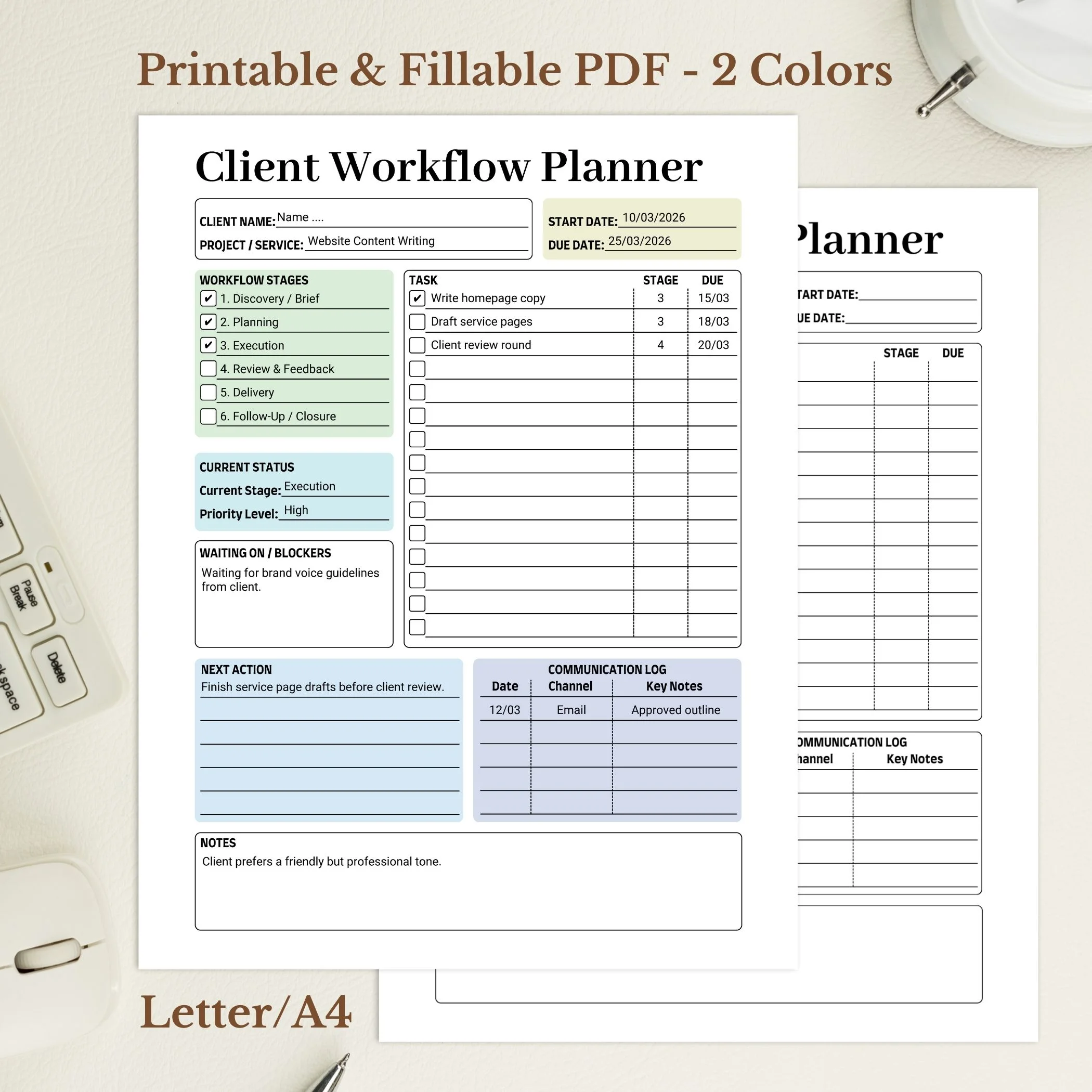
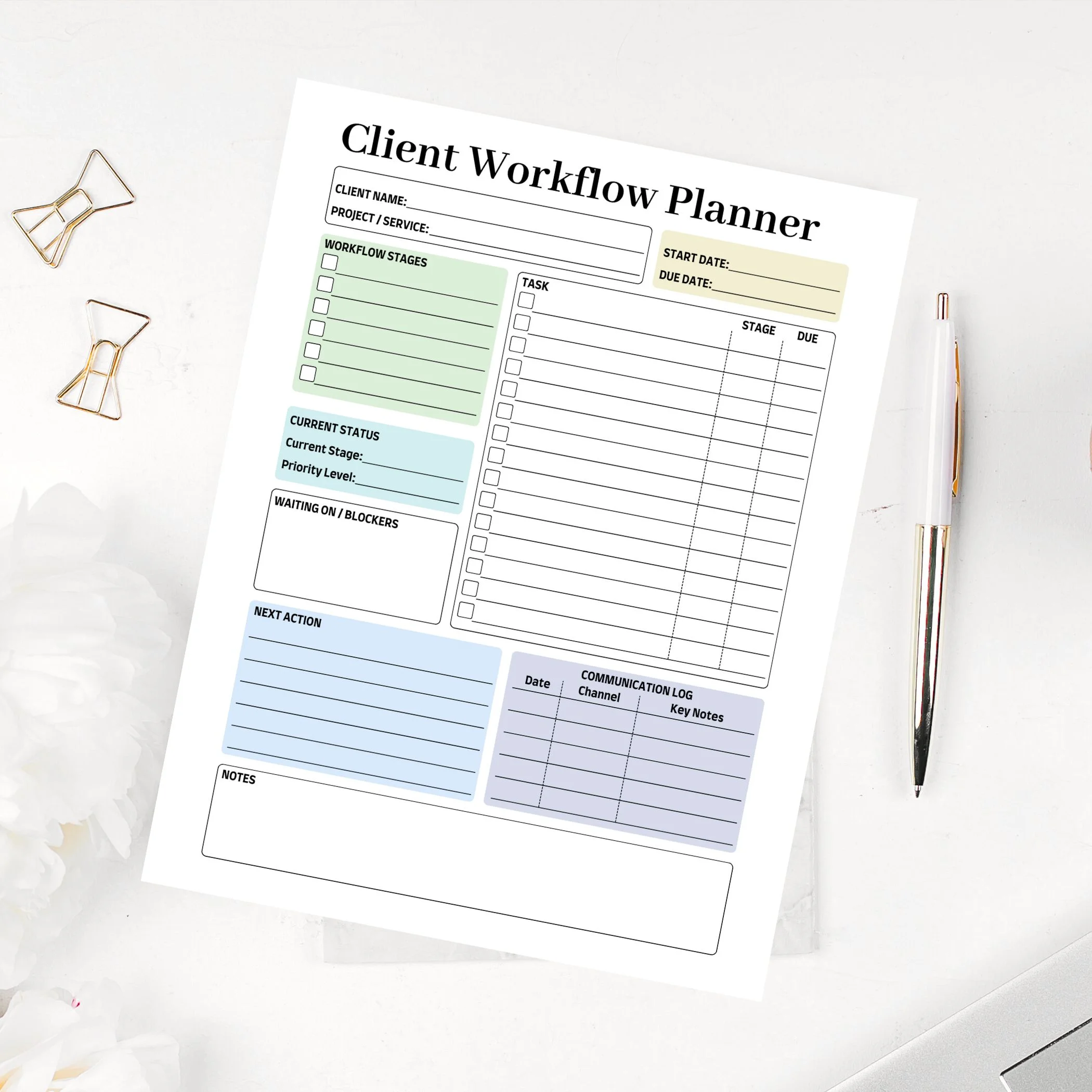
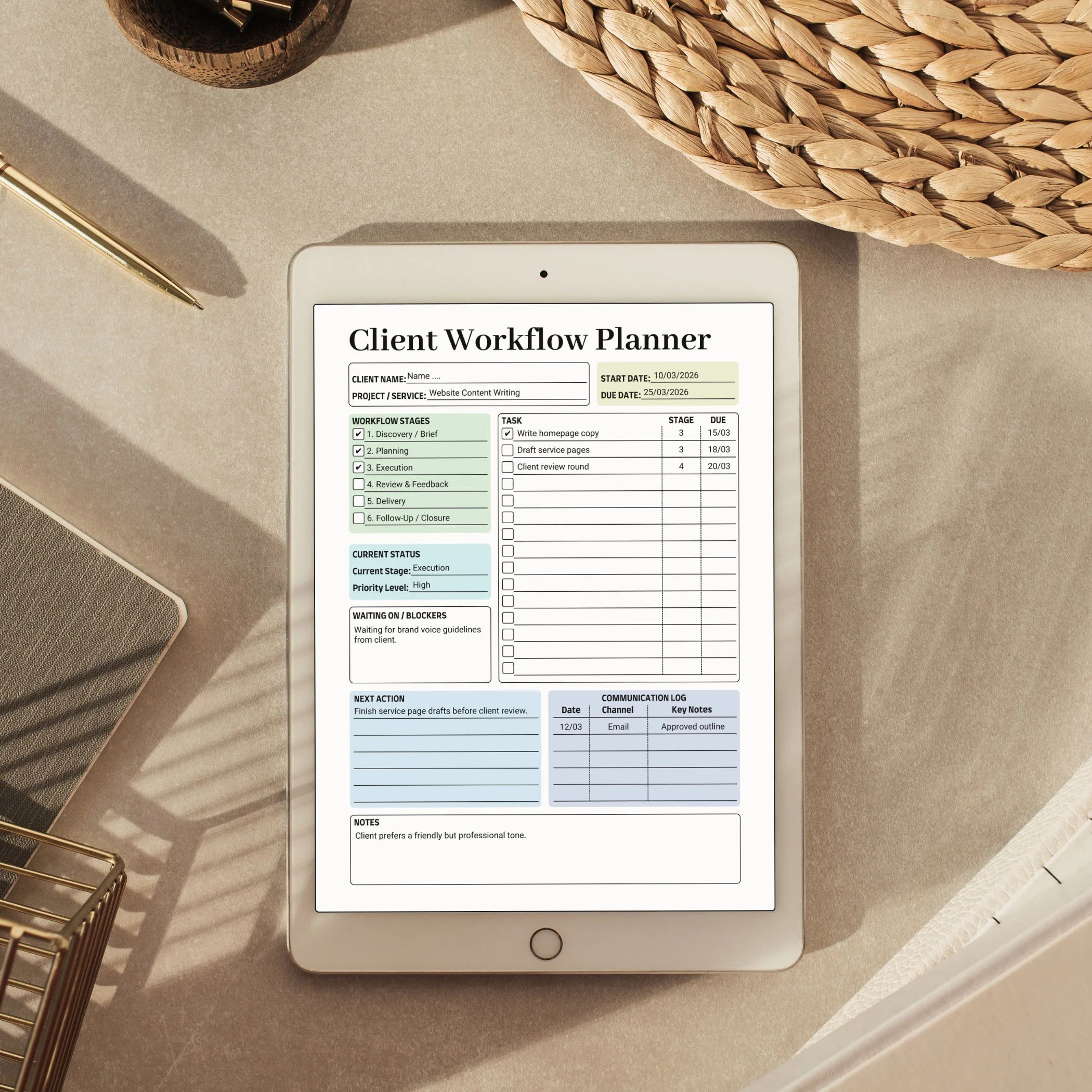
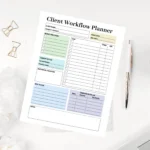
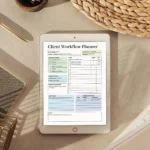
The Client Workflow Planner PDF is a service project tracker for organizing client details, project tasks, communication notes, deadlines, deliverables, and follow-up items in one printable page set. It is made for freelancers, service providers, consultants, and small business owners who need a simple client workflow sheet without a full project management system.
This is a digital download. No physical planner is shipped.
What does this client workflow planner help you track?
Use this planner to keep client project details visible during a service workflow. It can hold client information, project objectives, categorized tasks, meeting or communication notes, deadlines, delivery notes, and follow-up items. It is a practical tracker for service work organization, not business, legal, or financial advice.
What files are included?
- File type: PDF.
- Total files: 8 PDF files.
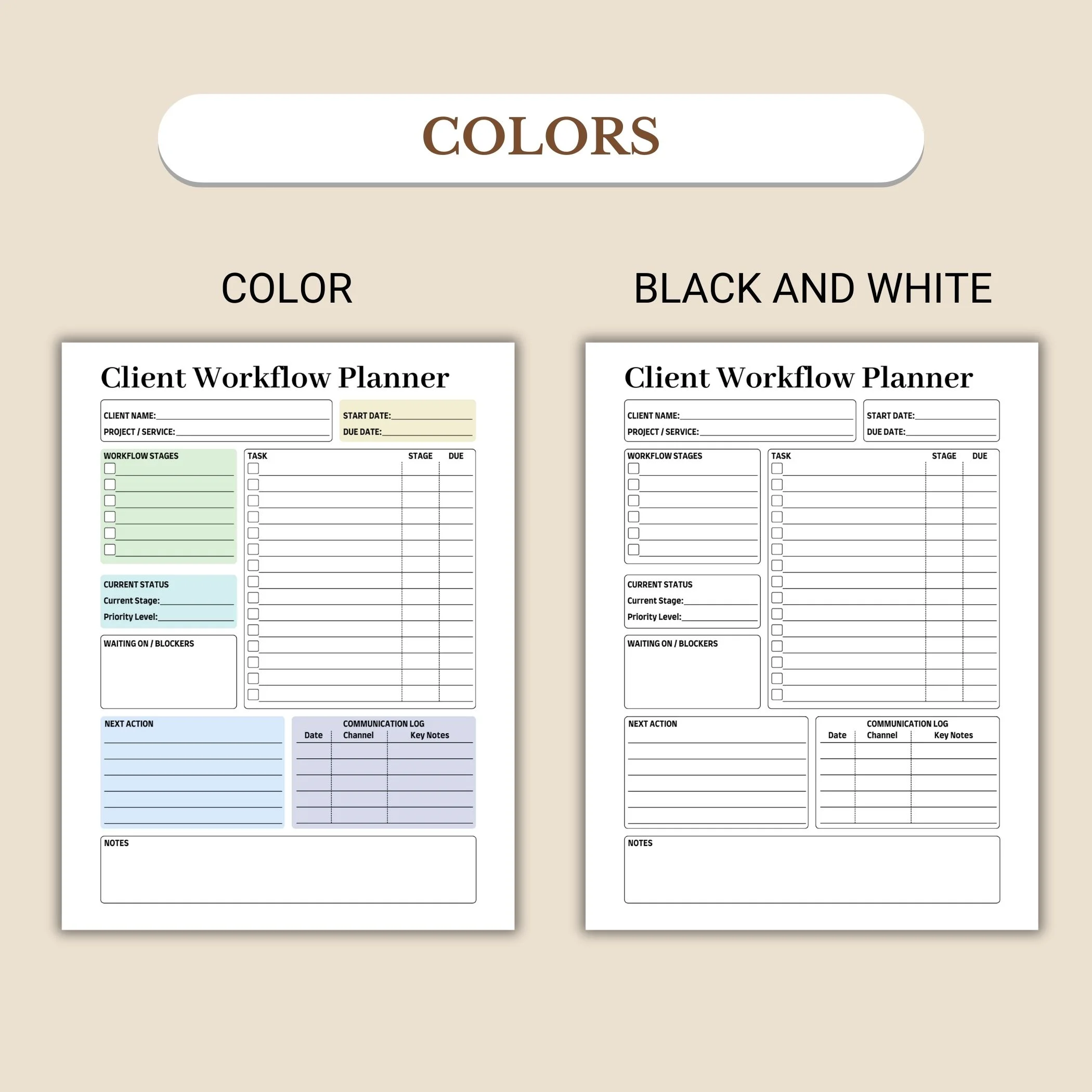
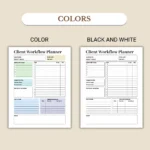
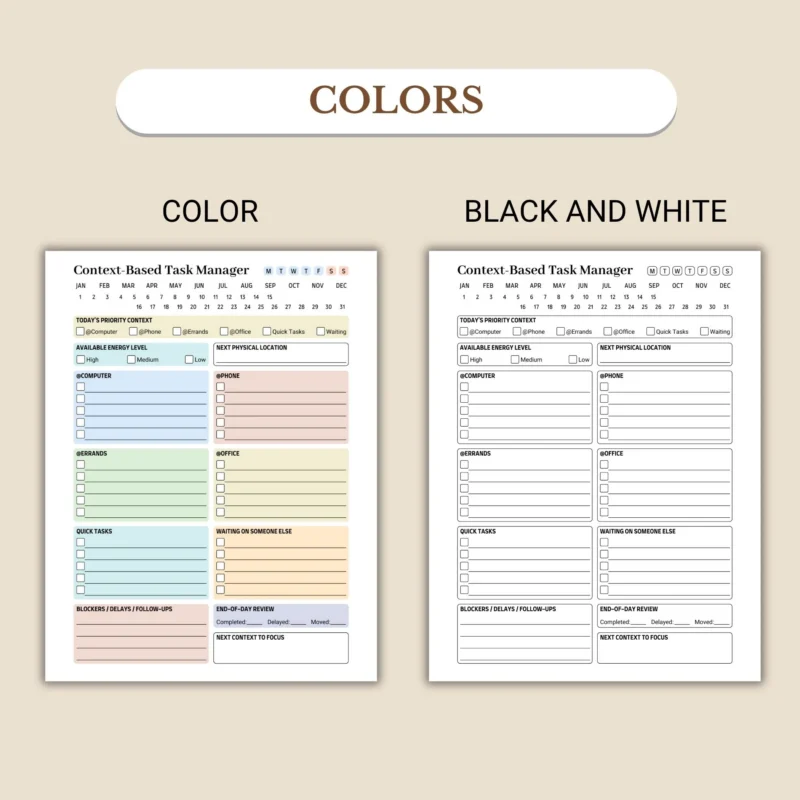
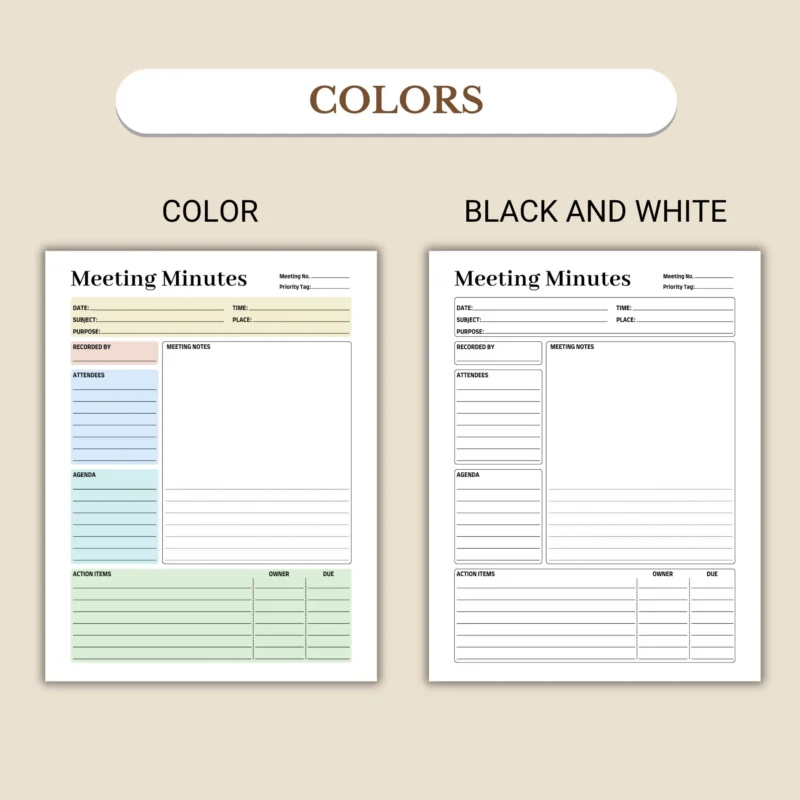
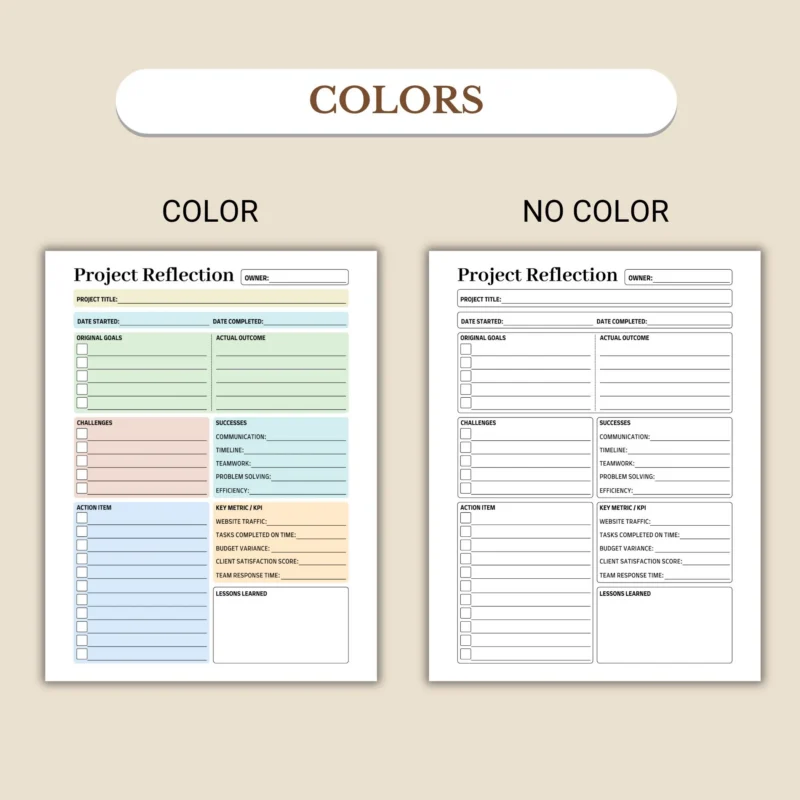
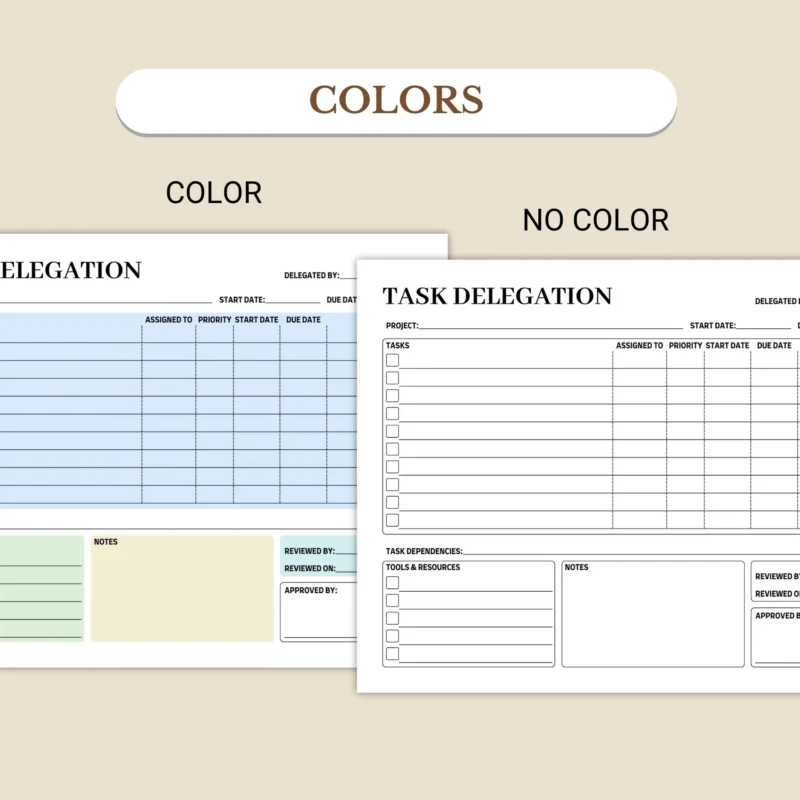
- Colors: 2 versions, including a colorful version and an ink-friendly black-and-white version.
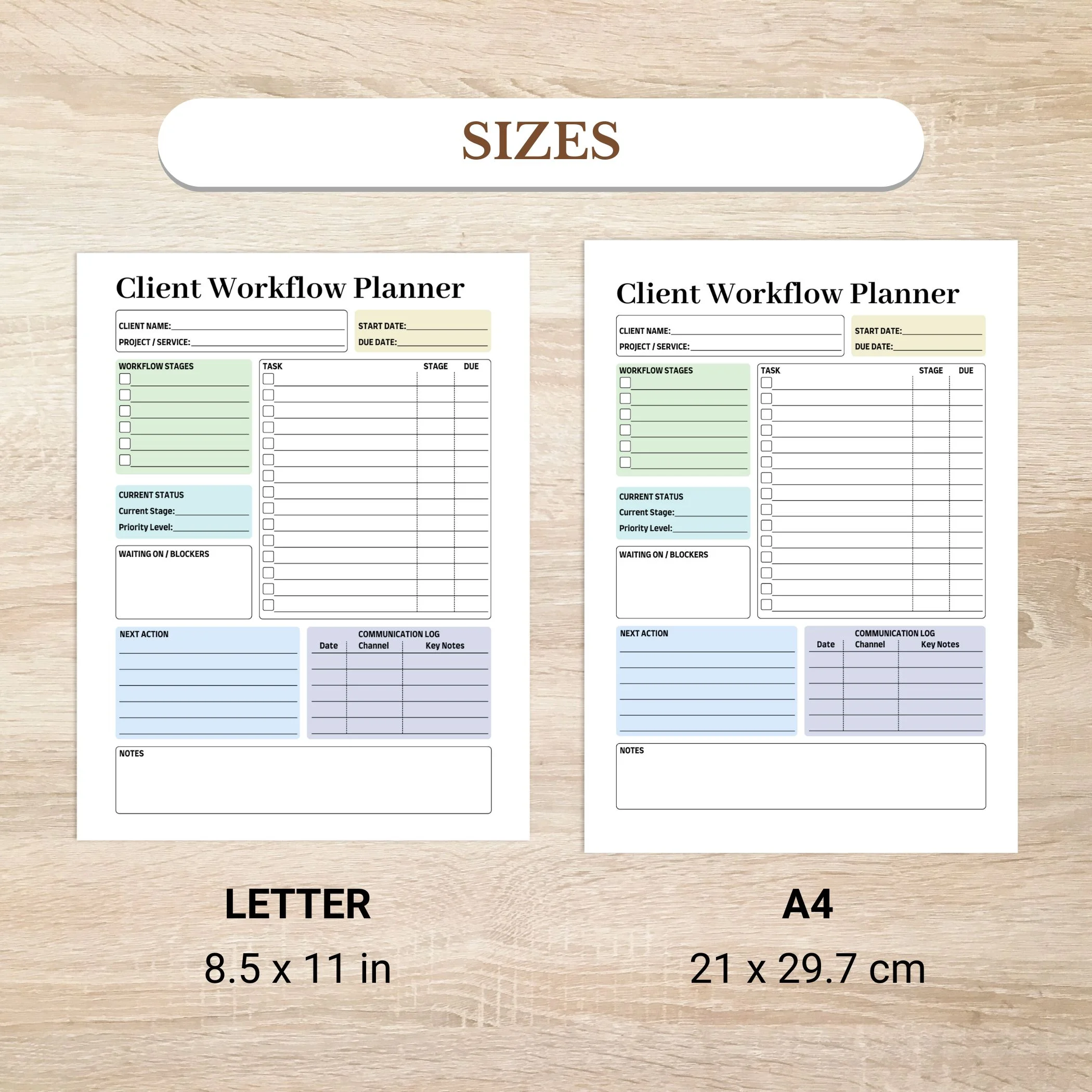
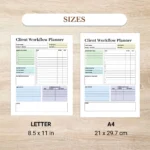
- US Letter size: 4 files in 8.5 x 11 in size, with blank and fillable versions.
- A4 size: 4 files in 21 x 29.7 cm size, with blank and fillable versions.
How do the blank and fillable versions work?
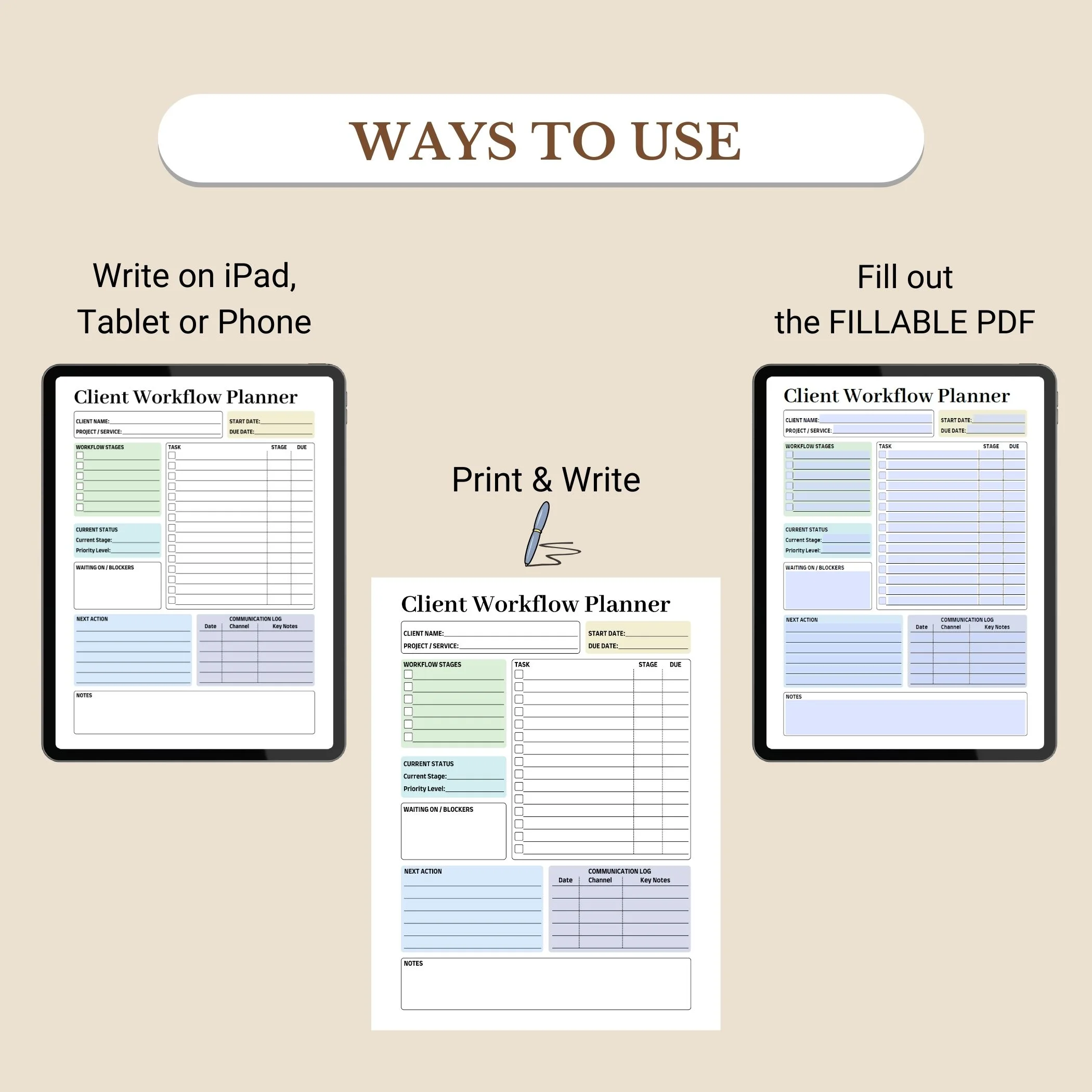
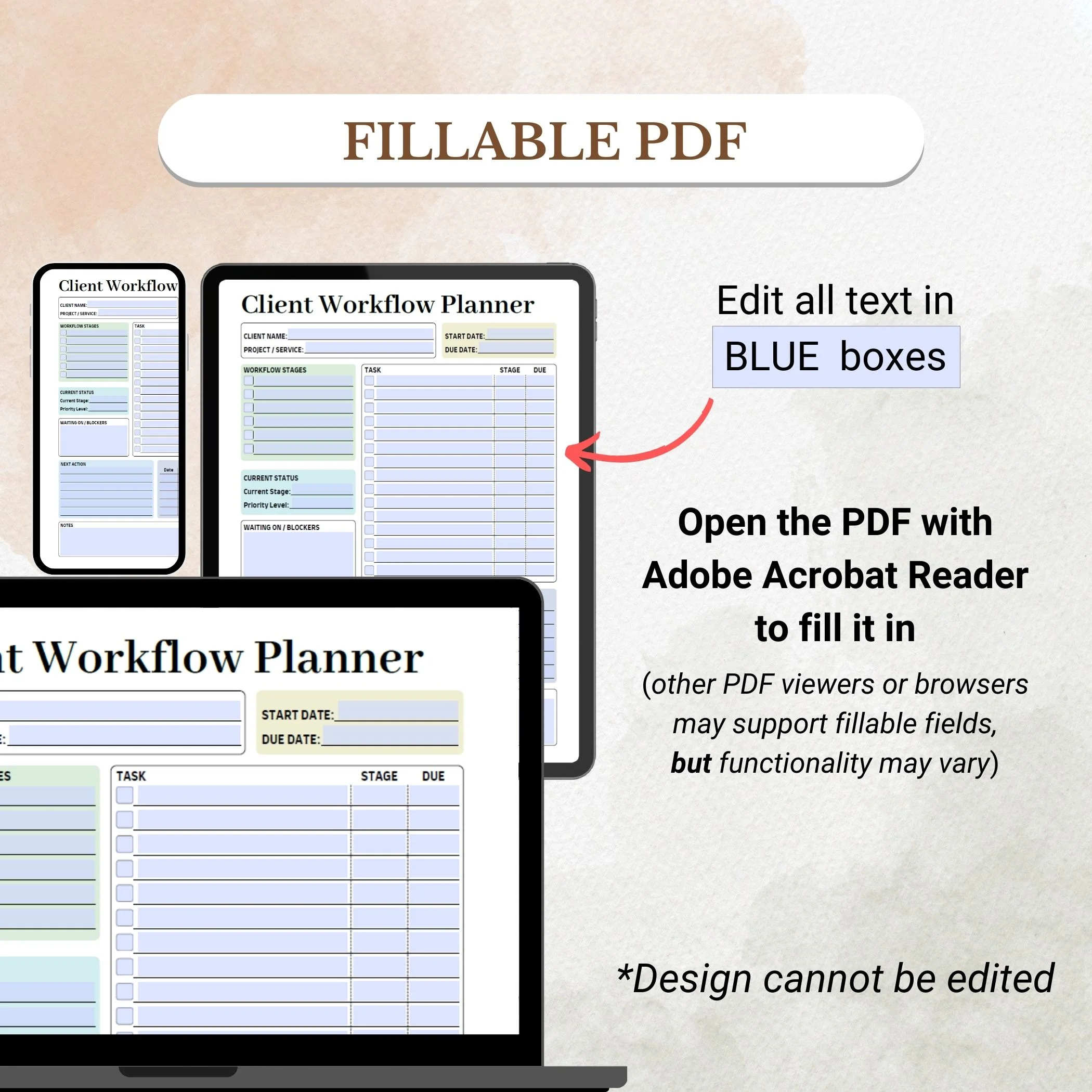
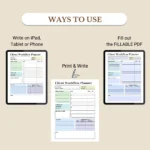
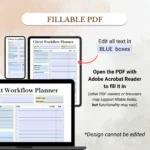
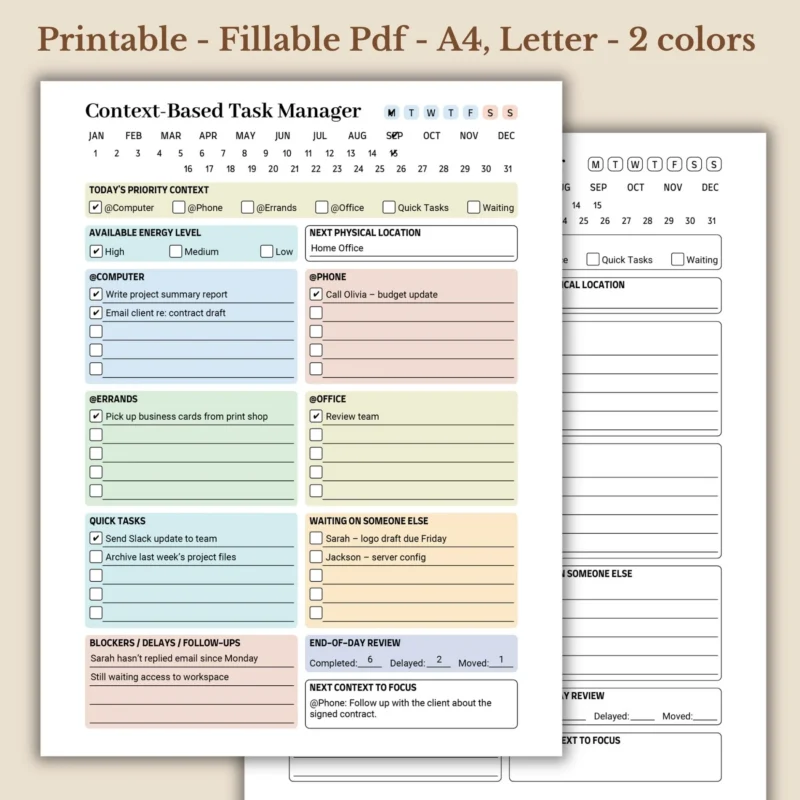
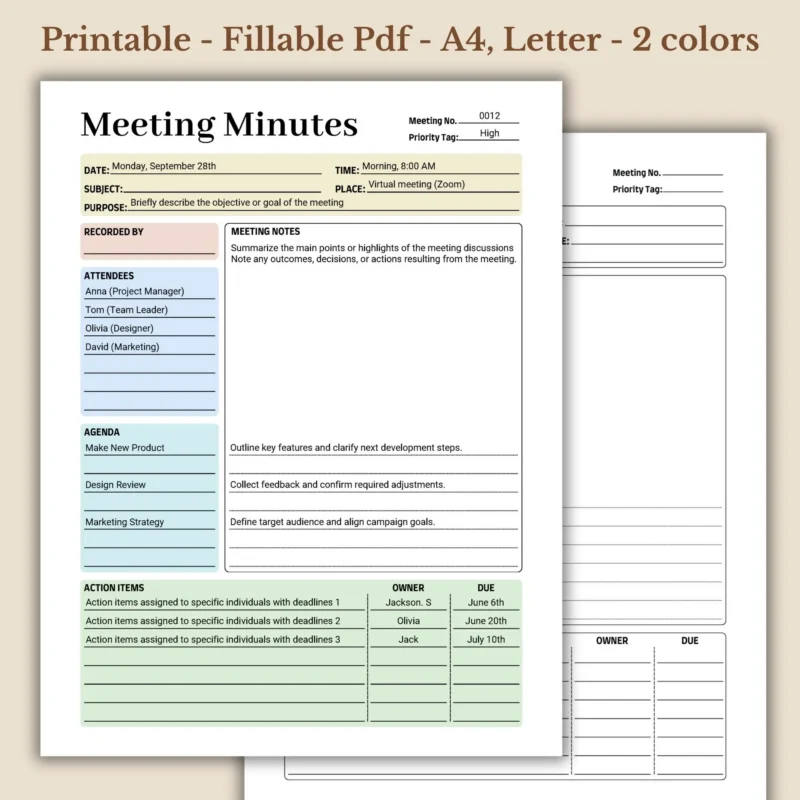
The blank version can be printed and filled out by hand. It can also be imported into a PDF annotation app for digital handwriting. The fillable version lets you type into highlighted fields and check off project items before saving or printing. For the best fillable PDF experience, use the free Adobe Acrobat Reader.
Who is this service provider project tracker best for?
This tracker is best for freelancers, service providers, consultants, virtual assistants, creative professionals, and small business owners who manage client work. It fits simple project tracking, client follow-up, delivery notes, and service workflow review.
Can you print and reuse the planner?
Yes. You can print copies for your own personal use. Colors may vary slightly depending on your screen, printer settings, printer type, and paper. Make sure your chosen paper works with your printer before printing a full set.
Important download and use notes
- Digital product: no physical item will be shipped.
- Fillable fields: blue field highlights may appear in your PDF reader for visibility, but the highlights should not print; only your typed text appears on the original background.
- Device performance: fillable PDF behavior may vary by device, operating system, app, and PDF reader.
- Fonts and checkmarks: small appearance differences may happen depending on the PDF software you use.
- License: this item is for personal use only. Commercial use is not allowed. Do not resell, share, or redistribute the files digitally or in print.
Client Workflow Planner FAQ
Is this a physical planner?
No. This is a digital PDF download. Nothing is shipped by mail.
Can I type into the client workflow planner?
Yes. The included fillable PDF versions let you type into fields before saving or printing. Adobe Acrobat Reader is recommended for the best fillable PDF experience.
Can I print the planner and write by hand?
Yes. Use the blank PDF versions if you want to print the planner and write by hand.
Does it include Letter and A4 sizes?
Yes. The download includes US Letter size and A4 size files.
Can I reuse the file for multiple client projects?
Yes, for your own personal use. You may print or reuse copies for your own client projects, but you may not resell, share, or redistribute the files.




Reviews
There are no reviews yet.