Blog
US Letter vs A4 Planner Size: Which PDF Should You Print?
For most US home printing, choose the US Letter planner PDF if the product includes one; choose A4 when you use A4 paper or the product file is designed for A4.
US Letter and A4 are close in size, but they are not the same. A planner PDF prints most predictably when the PDF page size, the paper loaded in your printer, and the print scale setting all match. If the product includes both sizes, US shoppers usually start with the Letter file, while A4-paper users should start with the A4 file.
Daily Digital Planner sells downloadable planner PDF templates, so this guide focuses on the practical size choice for printable planner PDFs. It is not a paper-standard history page or a printer repair guide. The goal is to help you choose the right planner file before printing, avoid cropped planner boxes, and know when to use Actual Size or Fit.
Should You Print a Planner PDF in US Letter or A4?
You should print the planner PDF size that matches your downloaded file and the paper loaded in your printer.
Use US Letter when you are printing on 8.5 x 11 inch paper. Use A4 when your printer has A4 paper loaded. If the download includes separate Letter and A4 files, choose the file that matches your paper before changing print settings.
Use this quick decision list:
- US Letter is the practical choice when you are in the United States, your printer uses 8.5 x 11 inch paper, and the product includes a Letter version.
- A4 is the practical choice when your printer uses A4 paper and the product includes an A4 version.
- The matching file is better than resizing when the download includes both Letter and A4 planner PDFs.
- Fit can help when the PDF and paper do not match, but it may shrink the planner page.
- A test page should be printed before a full planner batch, especially when you changed size, scale, or paper settings.
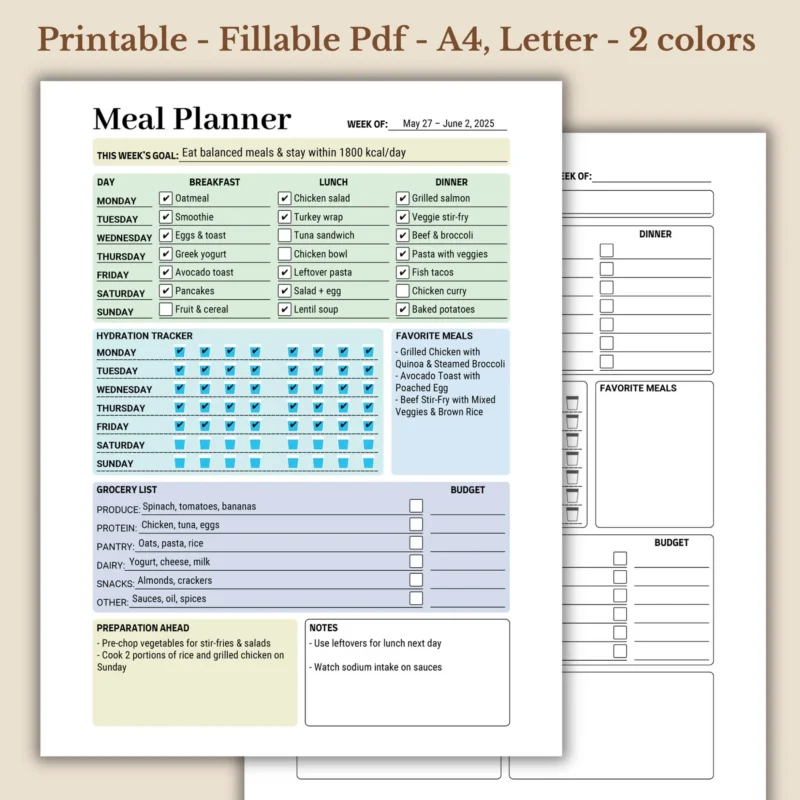
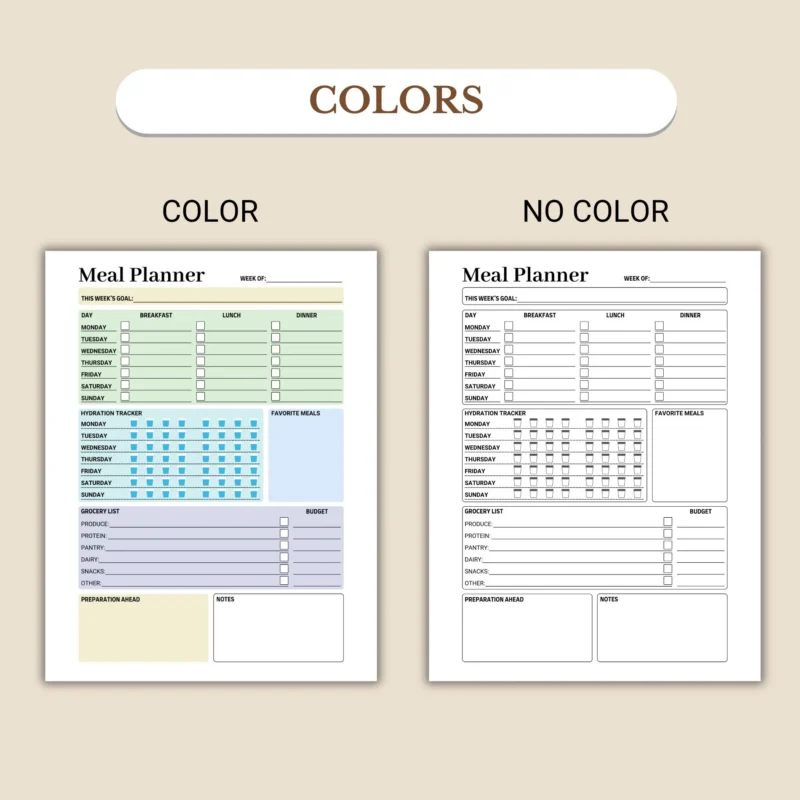
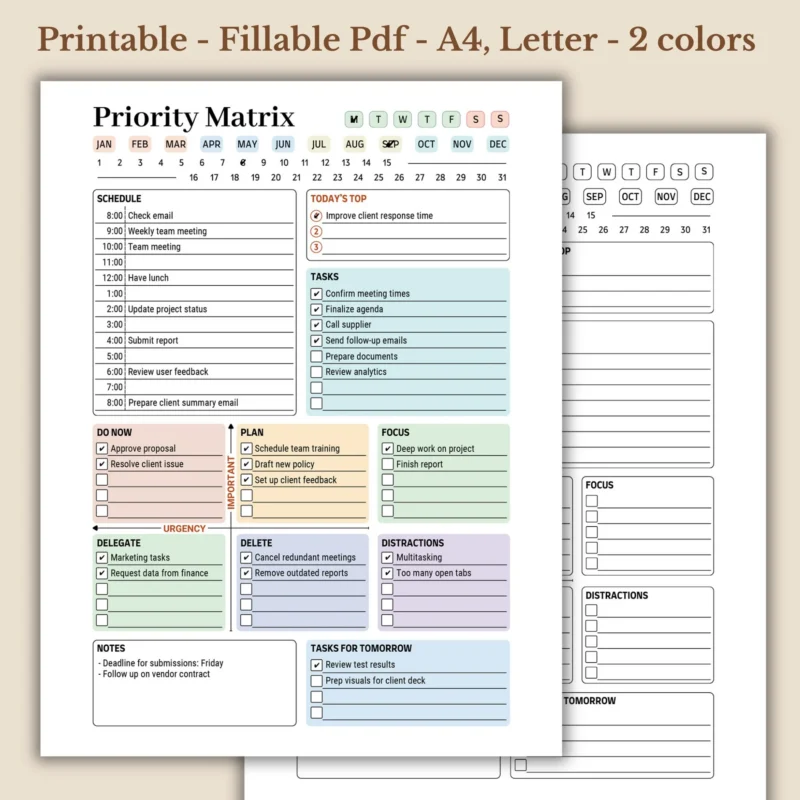
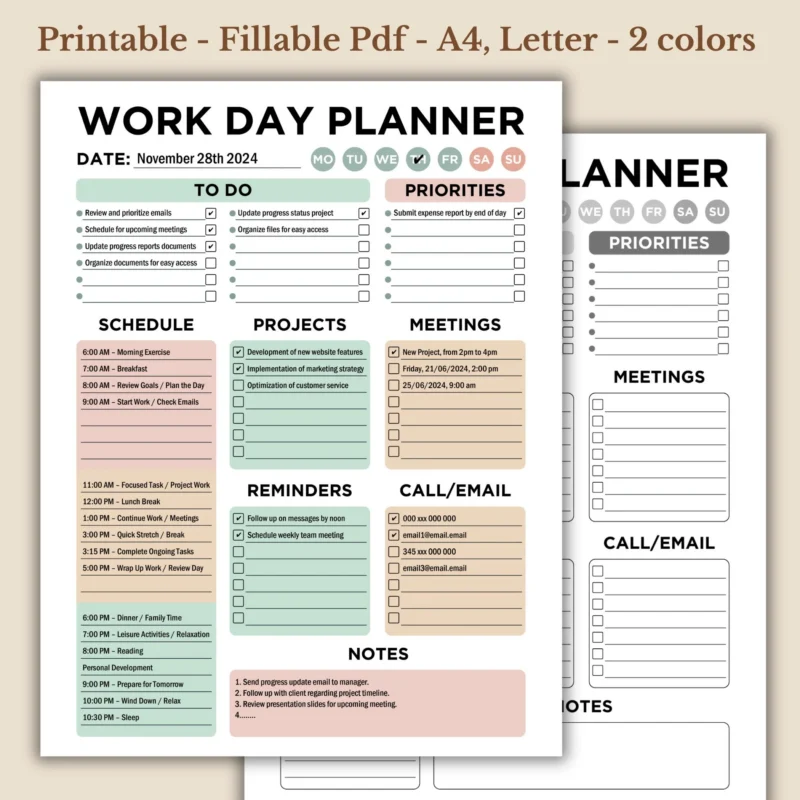
This rule also protects the layout of the planner. A daily planner page, weekly planner page, habit tracker, meal planner, or project planner can look correct on screen but print slightly smaller, clipped, or shifted when the wrong file size is used.
If you are still learning how PDF planner files work, the PDF planner format guide explains how printable, fillable, and digital PDF planners fit together.
Are US Letter and A4 the Same Size?
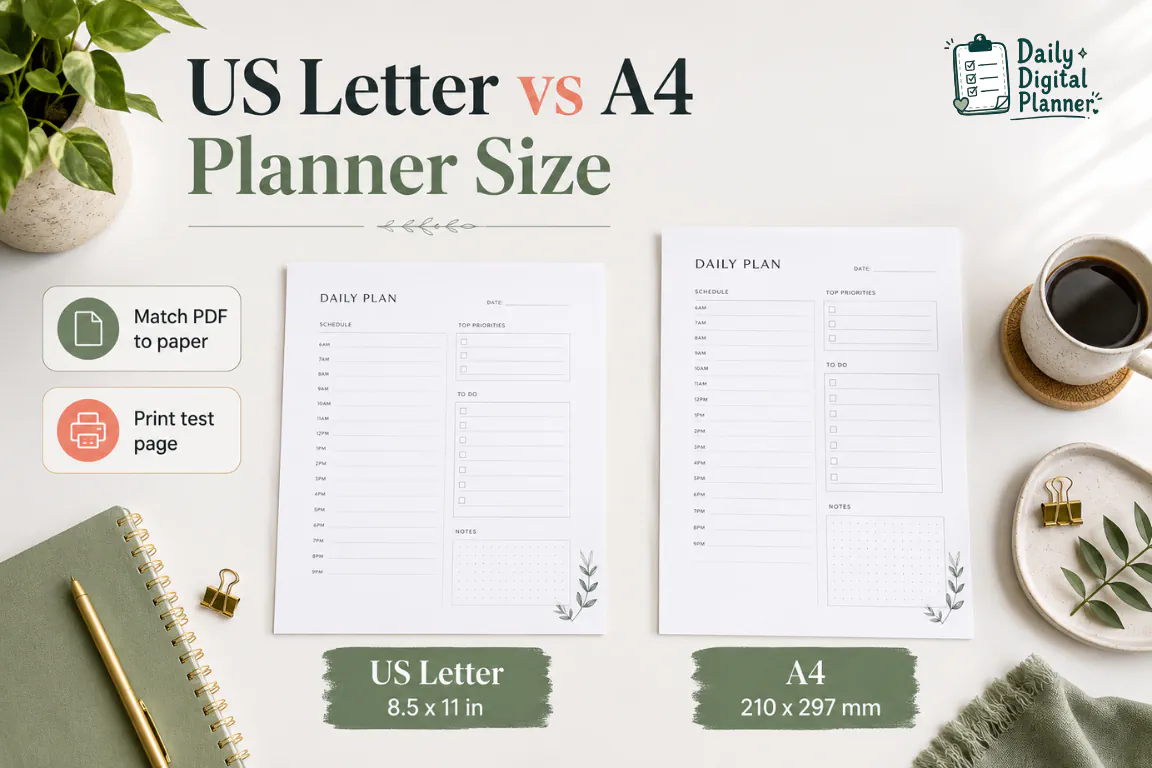
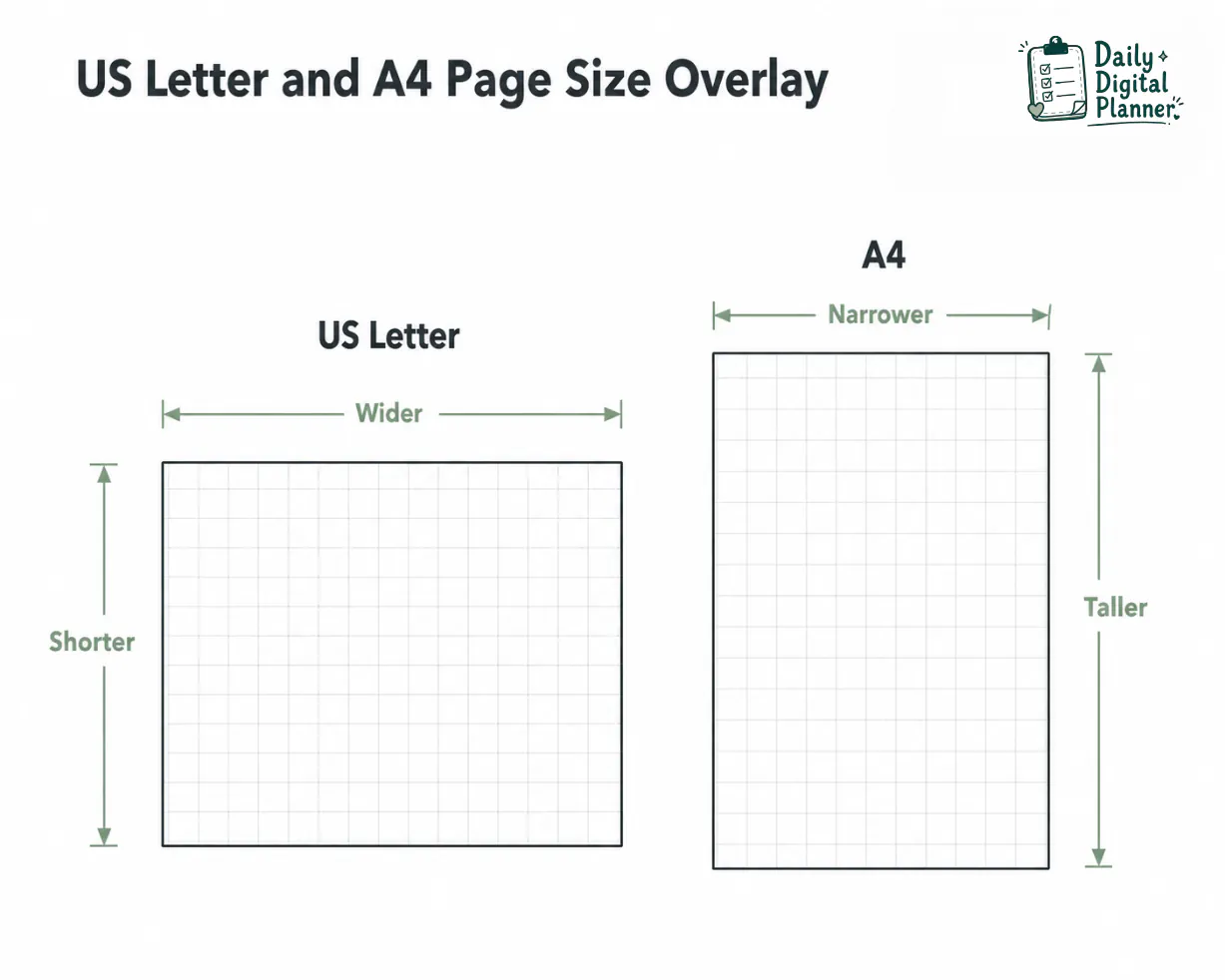
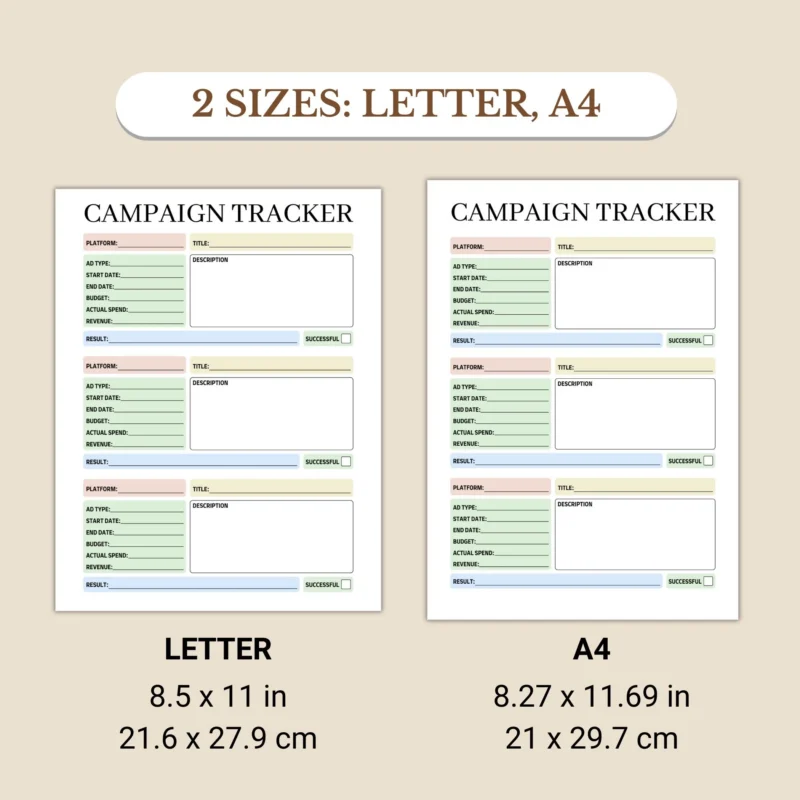
No, US Letter and A4 are not the same size; US Letter is wider and shorter, while A4 is narrower and taller.
The difference is small enough to confuse shoppers, but it matters when a planner page has boxes, borders, checklists, time blocks, or writing lines close to the edge. A standard paper-size reference lists US Letter as 8.5 x 11 inches and ISO A4 as 210 x 297 mm.
| Size | Inches | Millimeters | Practical Note |
|---|---|---|---|
| US Letter | 8.5 x 11 in | 215.9 x 279.4 mm | Common home and office paper in the United States. |
| A4 | approx. 8.27 x 11.69 in | 210 x 297 mm | Common standard paper size in many countries outside North America. |
US Letter gives a little more width. A4 gives more height. That shape difference is why a planner designed for one size should not be treated as identical to the other size.
How Do US Letter and A4 Sizes Affect Printable Planner Pages?
A planner designed for one paper size can print slightly scaled, clipped, or with different margins when printed on the other size.
A4 is taller than Letter, so the top or bottom of an A4 planner can be affected when it is printed on Letter paper without scaling. Letter is wider than A4, so side spacing can change when a Letter planner is printed on A4 paper. A printer’s non-printable margin can also clip small edge details even when the paper size is correct.
The practical effects are usually visible in these places:
- Header areas can move closer to the top edge when the file and paper do not match.
- Footer notes, page numbers, or decorative borders can be clipped on printers with larger margins.
- Time-block columns can print narrower or smaller when Fit shrinks a page.
- Checklist boxes can shift visually if the print preview scales the page unexpectedly.
- Writing lines can feel smaller when a full-size page is reduced to fit another paper size.
US Letter is wider and shorter, while A4 is narrower and taller. That one comparison explains most planner page-size issues.
For the full workflow after this size decision, use the guide on how to print a printable planner PDF at home. That guide covers page ranges, orientation, color, double-sided printing, margins, and test pages in more detail.
How Do You Check Which Size Your Planner PDF Includes?
You check which size your planner PDF includes by reviewing the product title, product images, item details, downloaded file names, and download folder before printing.
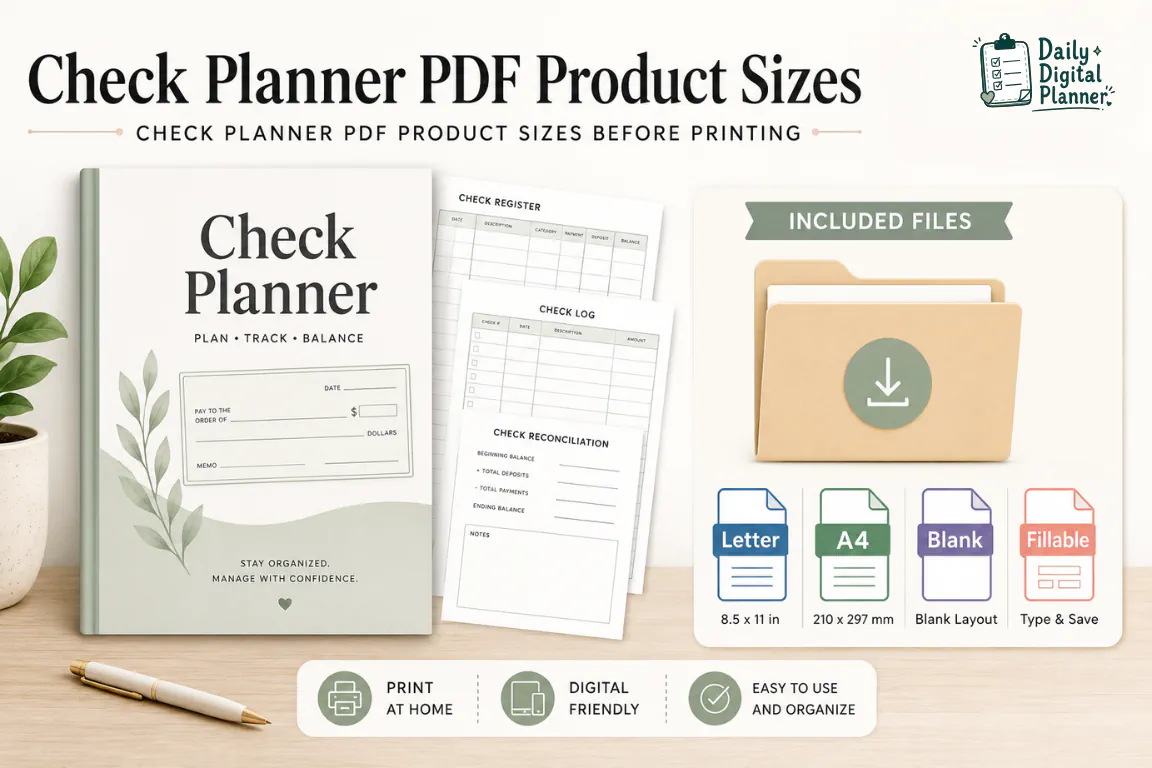
This check should happen before you print a full batch. A product may include one size, both Letter and A4, blank versions, fillable versions, color versions, black-and-white versions, or an instructions file. Do not assume every product includes both sizes unless the product page says so.
Check these places before printing:
- Product description: check whether the listing says Letter, A4, or both.
- Image gallery: check whether the screenshots show page-size labels or included-file notes.
- Item details: check for file type, page size, printable support, fillable support, and included templates.
- Download folder: check whether the files are separated by Letter and A4.
- File name: check whether the PDF name includes words such as
letter,a4,fillable, orblank. - Instructions file: check whether the product includes printing notes or setup guidance.
After purchase, the download package is the place where you confirm which Letter or A4 files you actually received. If you need the purchase and access path first, use the guide on how to download your planner PDF after purchase.
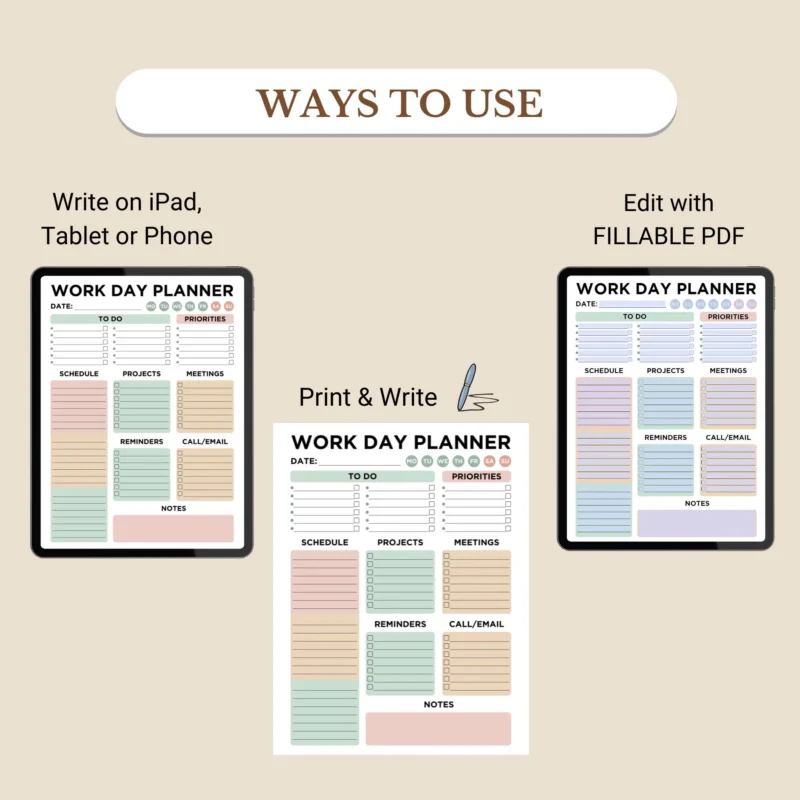
If a planner is fillable, type and save your working copy before printing the final size. The fillable PDF planners page explains the type-then-print format when a product includes fillable fields.
What Print Setting Should You Use for Letter or A4 Planner PDFs?
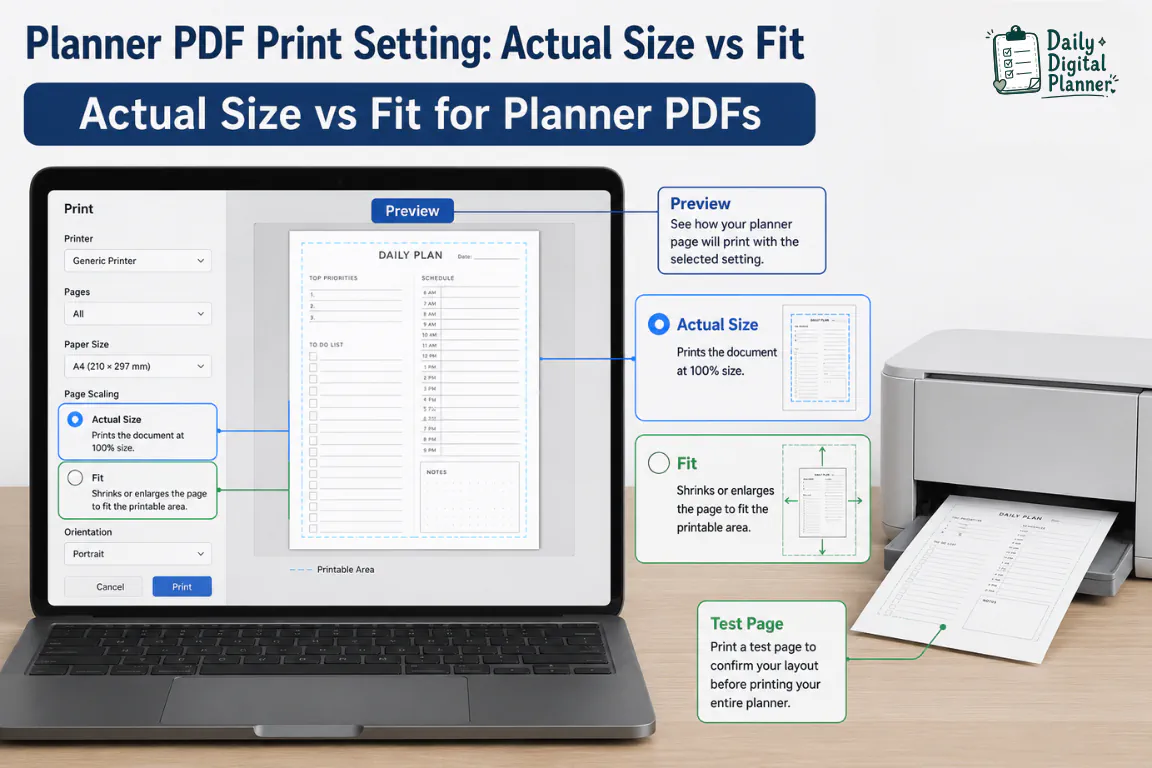
Use Actual Size when the PDF page size and printer paper match; use Fit only when the preview shows clipped edges or the paper size does not match.
Actual Size or 100% keeps the PDF at its designed page size. Fit scales the page to the selected paper size or printable area. Adobe’s Acrobat print scaling guidance explains that PDF pages can be scaled to fit the selected paper, and that print dialogs may include Fit, shrink oversized pages, and custom scale options.
Use this decision table before printing a full planner:
| Situation | Recommended Setting | Why |
|---|---|---|
| Letter PDF on Letter paper | Actual Size / 100% | Preserves the intended layout. |
| A4 PDF on A4 paper | Actual Size / 100% | Preserves the intended layout. |
| A4 PDF on Letter paper | Matching Letter file if available; otherwise Fit | Prevents cropping but can shrink the layout. |
| Letter PDF on A4 paper | Matching A4 file if available; otherwise Fit | Prevents unexpected clipping or margins. |
| Any first print | Print one test page | Catches scale and margin issues before wasting paper. |
Actual Size is usually the cleaner choice when the file and paper match. Fit is useful when the preview shows a cropped edge, a border outside the printable area, or a mismatch between the PDF and loaded paper.
Do not skip the preview. A print preview can show whether the planner page is centered, clipped, too small, or rotated before ink hits paper.
Should You Resize an A4 Planner PDF to US Letter?
Do not resize an A4 planner PDF first if the product includes a matching Letter file; use the matching Letter file instead.
Resizing is a fallback, not the best first step. When you resize or use Fit, the page can become slightly smaller, spacing can change, borders can move, and writing areas can feel different. That may be acceptable for casual use, but it is not as clean as printing the size the planner was designed for.
Use resizing or Fit only when:
- The product includes only an A4 file and you only have Letter paper.
- The print preview shows cropped edges and no matching file is available.
- You accept a slightly smaller planner page in exchange for keeping all content visible.
- You have printed one test page and confirmed the layout is usable.
For fillable PDF planners, save a separate working copy before changing print settings or printing. Typed text should be visible in print preview before you print the final page.
The safer order is simple: check included files, choose the matching file, select the matching paper, use Actual Size, and print one test page. Use Fit or resizing only after that path is not available.
Browse Printable Planner PDFs With Clear Page Sizes
Daily Digital Planner product and category pages should be checked for included file sizes before purchase and printing.
This section is for browsing after the size decision is clear. The main answer is still to match the planner PDF file to your printer paper. Product and category pages help you choose the planner type, then verify the included page sizes on the actual product page.
Use these paths when you are ready to browse:
| Page | Use It When | What to Check |
|---|---|---|
| Printable planner PDFs | You want the parent guide for paper-first planner formats. | Printable format, page-size guidance, and related planner types. |
| Daily planner printables | You want individual daily pages for schedules, tasks, and routines. | Included file sizes, screenshots, blank/fillable versions, and download details. |
| Weekly planner PDFs | You want weekly pages for planning a full week at a time. | Letter/A4 notes, product images, page layout, and included templates. |
If a product card or product page does not show enough page-size information, check the product description before buying. The correct page size is part of the product-use decision, not an afterthought.
US Letter vs A4 Planner Size FAQ
Can I print A4 on a US printer?
Yes, you can print an A4 planner PDF on a US printer if the printer supports A4 paper or if you use Fit to scale the A4 page onto Letter paper.
The cleaner choice is to use a matching Letter file when the product includes one. If no matching file is available, print one test page and check whether the planner boxes, margins, and writing areas still look usable.
Is US Letter better than A4 for US shoppers?
US Letter is usually better for US shoppers when they print at home on standard 8.5 x 11 inch paper and the product includes a Letter file.
A4 is not worse as a planner format. It is simply better matched to A4 paper. The best choice depends on the PDF file included with the product and the paper loaded in your printer.
Will Fit to Page change my planner layout?
Yes, Fit to Page can change the printed size of a planner layout because it scales the PDF to fit the selected paper or printable area.
Fit can prevent clipped edges, but it can also make writing spaces slightly smaller. Use Actual Size when the file and paper match, and use Fit when the preview or test page shows a mismatch or edge clipping.
What if my product includes both Letter and A4 files?
If your product includes both Letter and A4 files, choose the file that matches your printer paper before changing scale settings.
For US home printing, that usually means the Letter file. For A4 paper, choose the A4 file. Matching the included file to the paper is more predictable than resizing one format into the other.
Is A5 the same as Half Letter?
No, A5 and Half Letter are not the same size, although both are smaller planner page formats.
A5 belongs to the international A-series paper system. Half Letter is based on cutting US Letter in half. This guide focuses on full-page US Letter and A4 planner PDFs, so check the product details if a smaller planner insert size is listed.

Final Print-Size Check
US Letter vs A4 planner size comes down to one practical rule: print the PDF file that matches the paper in your printer.
Before you print a full planner, check the product details, choose the matching Letter or A4 file, select the matching paper size, use Actual Size when file and paper match, and print one test page. If the file and paper do not match, use the matching included file when available. Use Fit only when you need to prevent clipping or when no matching file exists.
That small check protects the planner layout before you spend paper, ink, and time on the full print.