
Guides
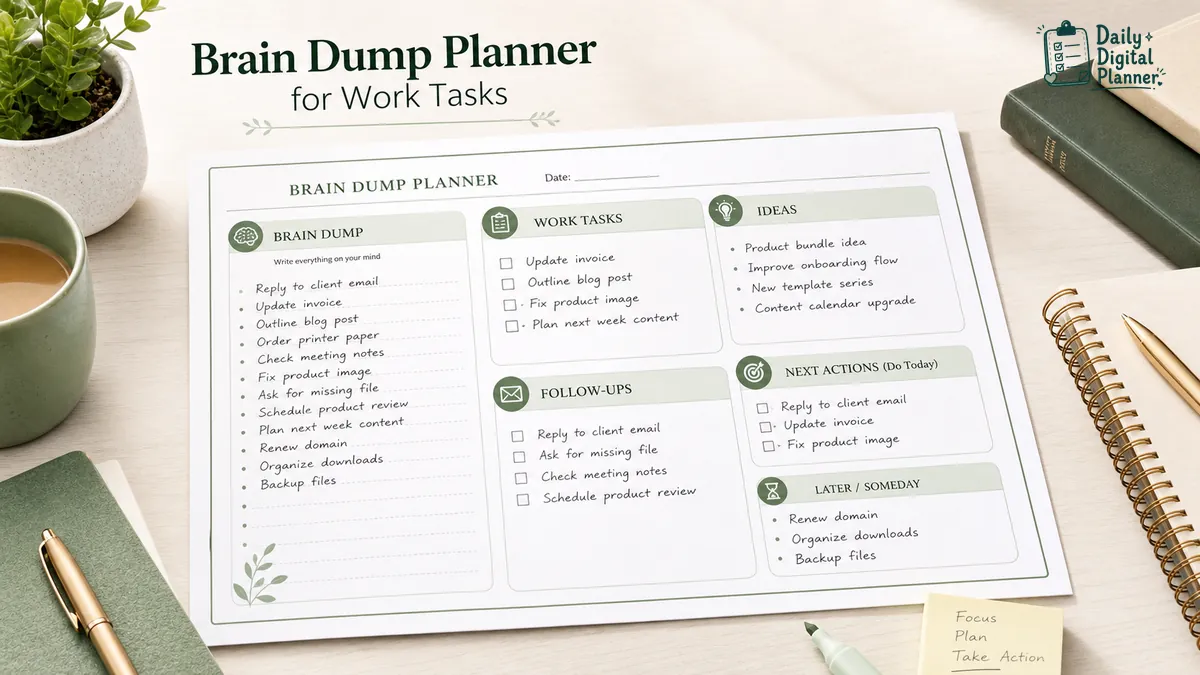
What Is a Brain Dump Planner for Work Tasks?

A brain dump planner is a planner page for capturing unsorted work tasks, reminders, ideas, notes, and open loops before sorting them into priorities, next actions, scheduled tasks, and later lists.
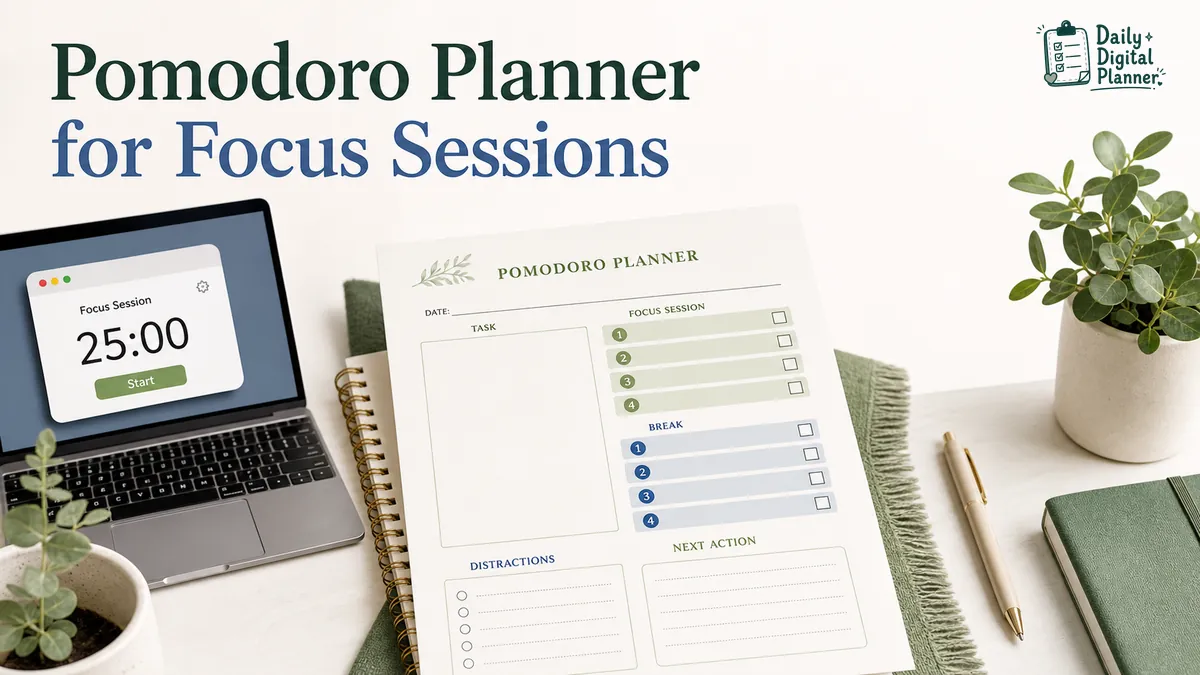
How Does a Pomodoro Planner Work for Focus Sessions?
A Pomodoro planner works by turning a task list into timed focus sessions. You choose one task, work for a set interval, take a short break, record what happened, and repeat the cycle until the task is finished, moved, or rescheduled.
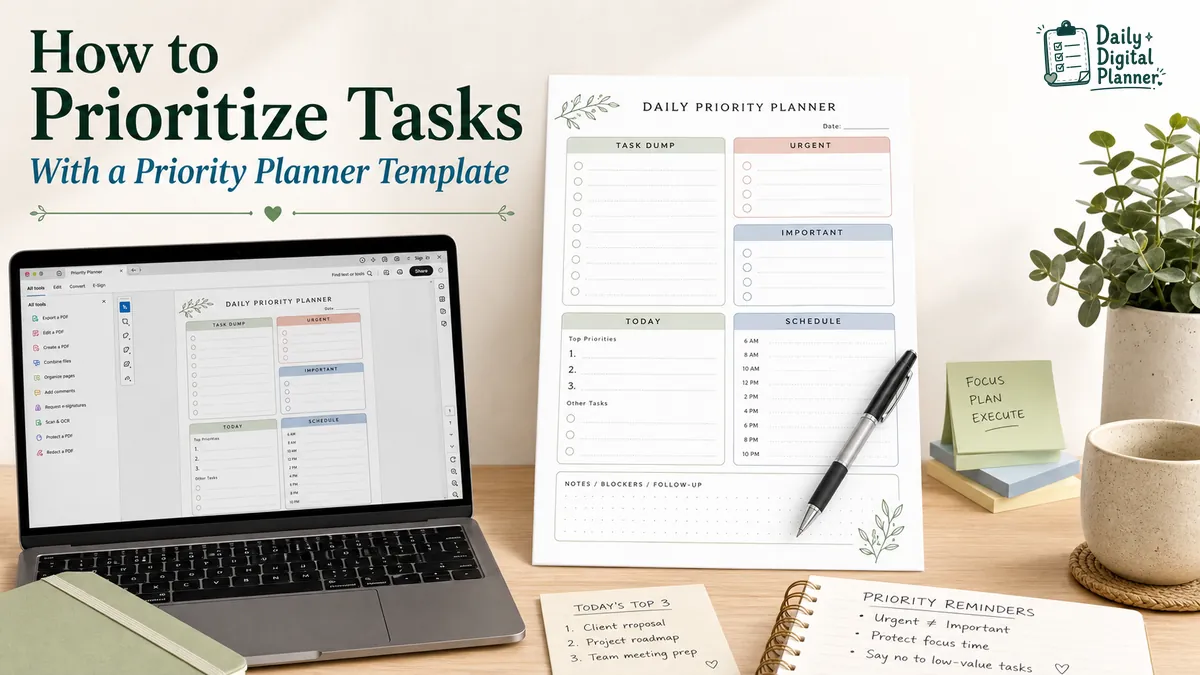
How to Prioritize Tasks With a Priority Planner Template
To prioritize tasks with a planner, write down every task first, mark which tasks are urgent and important, choose a small number of tasks for today, then move the rest into scheduled, delegated, deferred, or later lists.
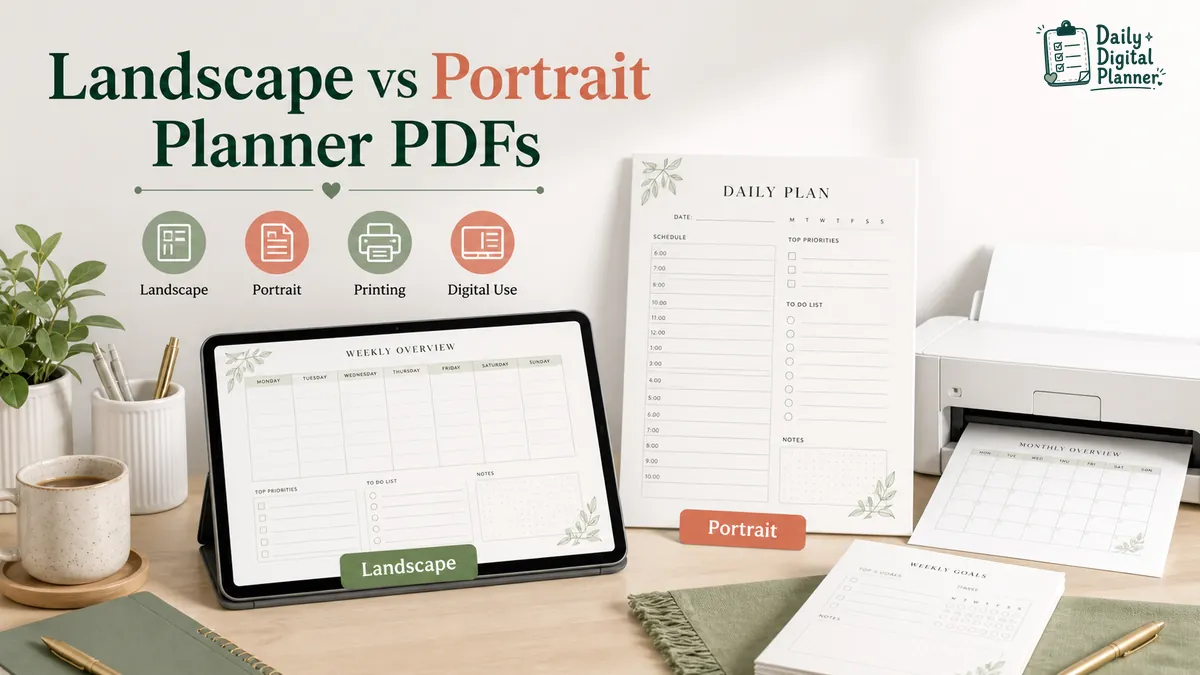
Landscape vs Portrait Planner PDFs for Printing and Digital Use
Choose a landscape planner PDF for wide planning space and a portrait planner PDF for vertical planning flow, then verify screenshots, page size, and print preview before buying or printing.
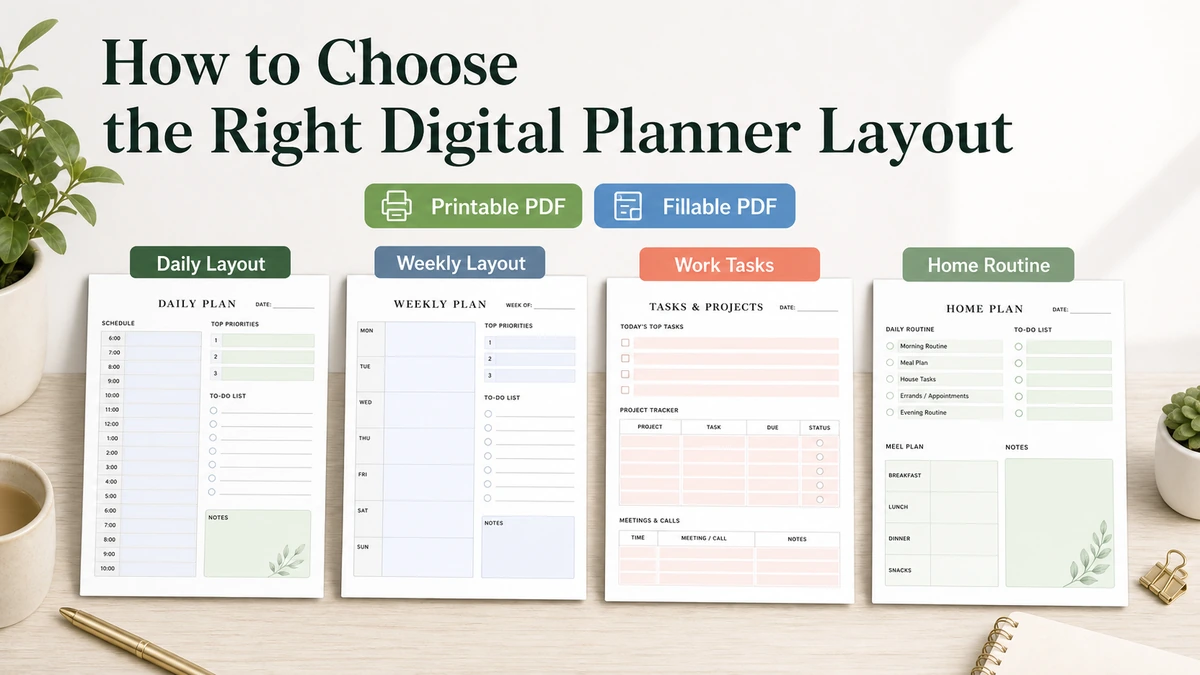
How to Choose the Right Digital Planner Layout
Choose a digital planner layout by matching your normal routine: daily for detail, weekly for a wider view, work or home layouts for specific planning, and bundles when one page type is not enough.
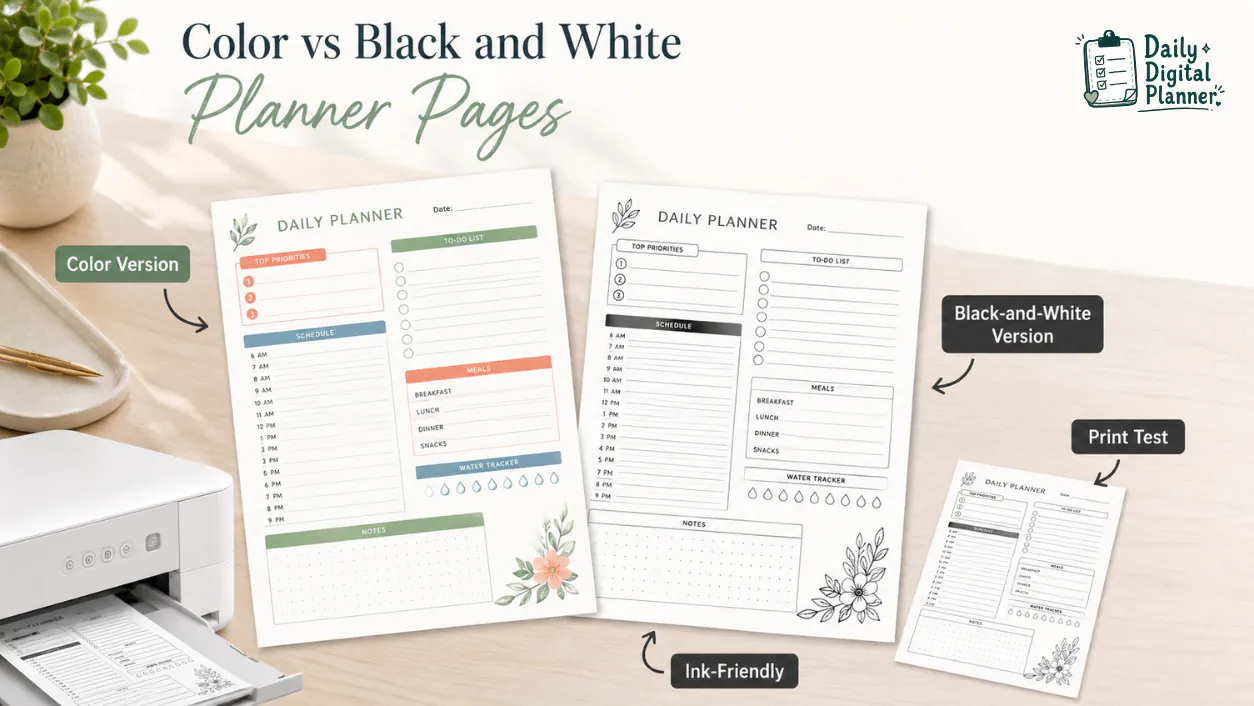
Color vs Black and White Printable Planner Pages: Which Should You Print?
Color printable planner pages are best for visual separation and style, while black-and-white or ink-friendly planner pages are best for frequent printing and cleaner, lower-color-ink pages.
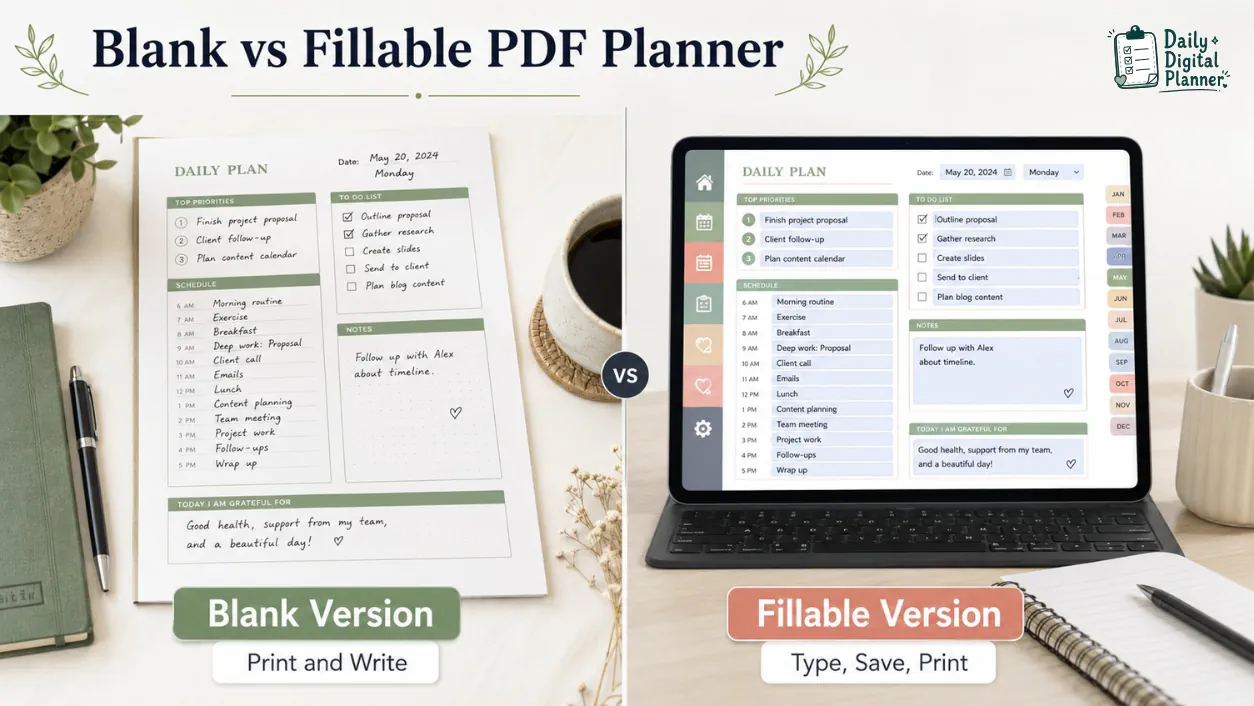
Blank PDF Planner vs Fillable PDF Planner: Which Version Should You Use?
A blank PDF planner is best for printing and handwriting, while a fillable PDF planner is best for typing into supported fields before saving or printing.
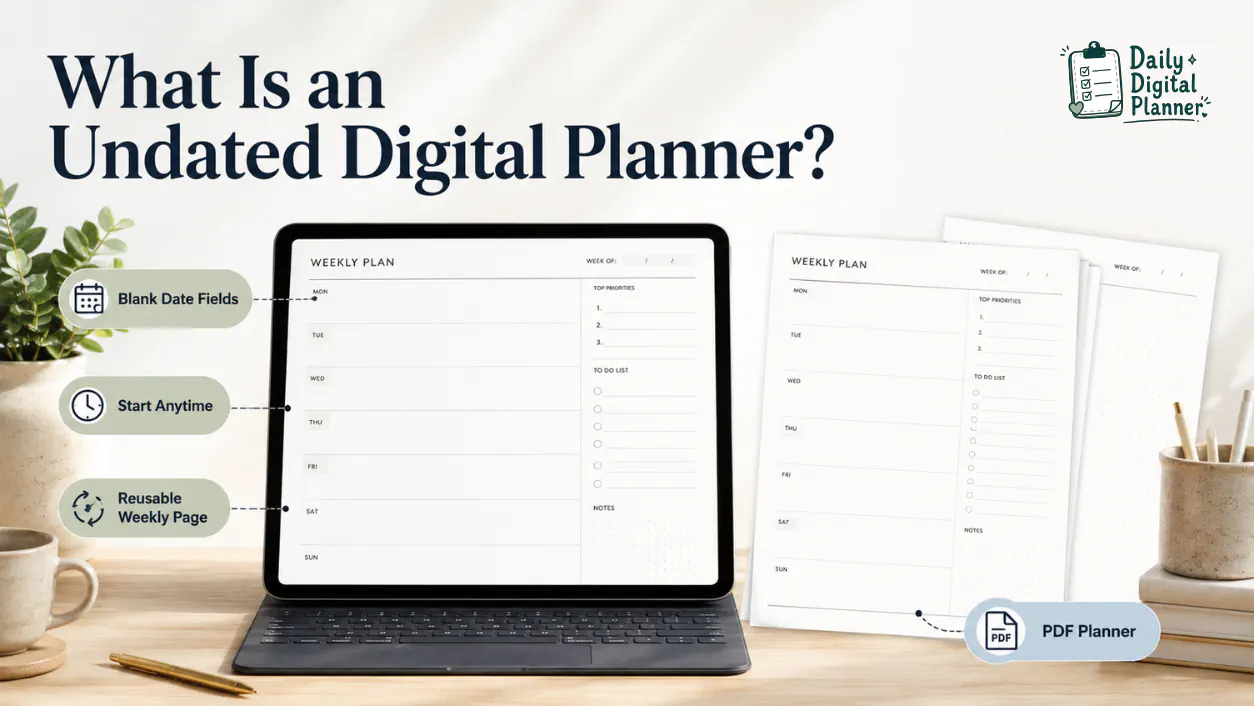
What Is an Undated Digital Planner?
An undated digital planner is a digital or PDF planner with blank date fields, so you can start anytime and reuse the same planner structure across different weeks, months, or planning cycles.
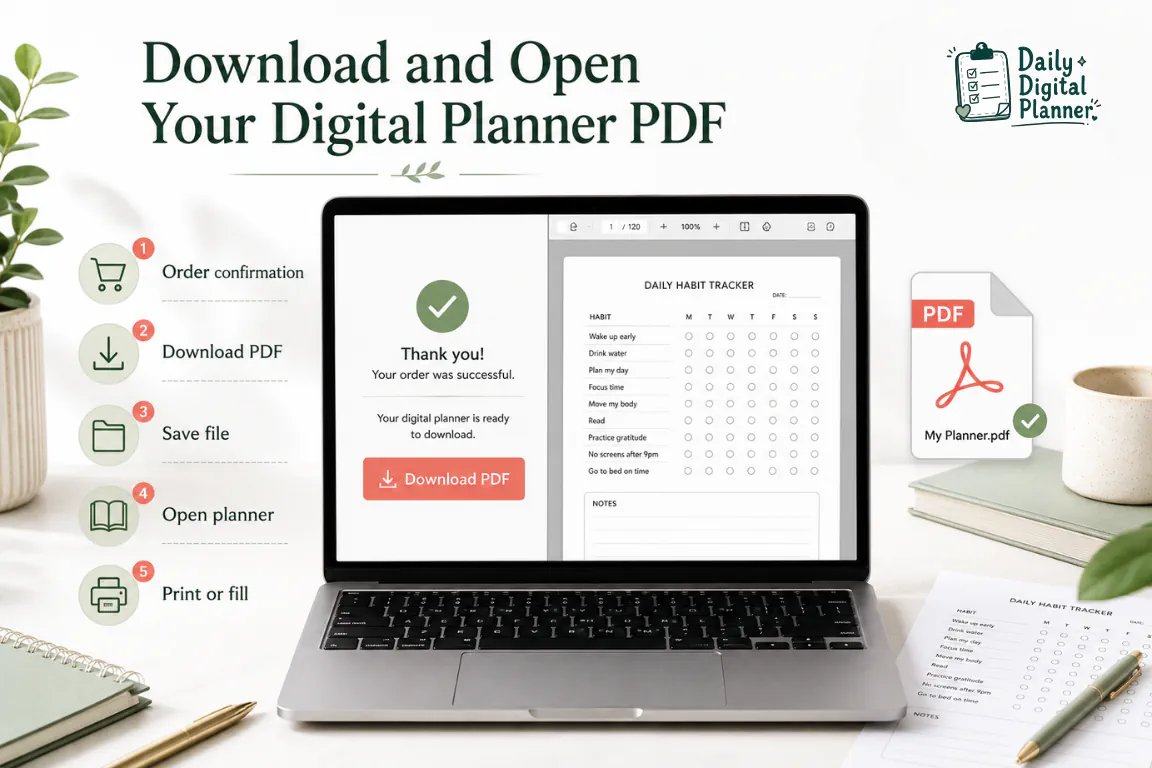
How to Download and Open a Digital Planner PDF After Purchase
To download and open a digital planner PDF after purchase, use the download link in your purchase email or the Downloads section on the website, save the planner file to your device, and open the saved PDF in a PDF reader or compatible app.
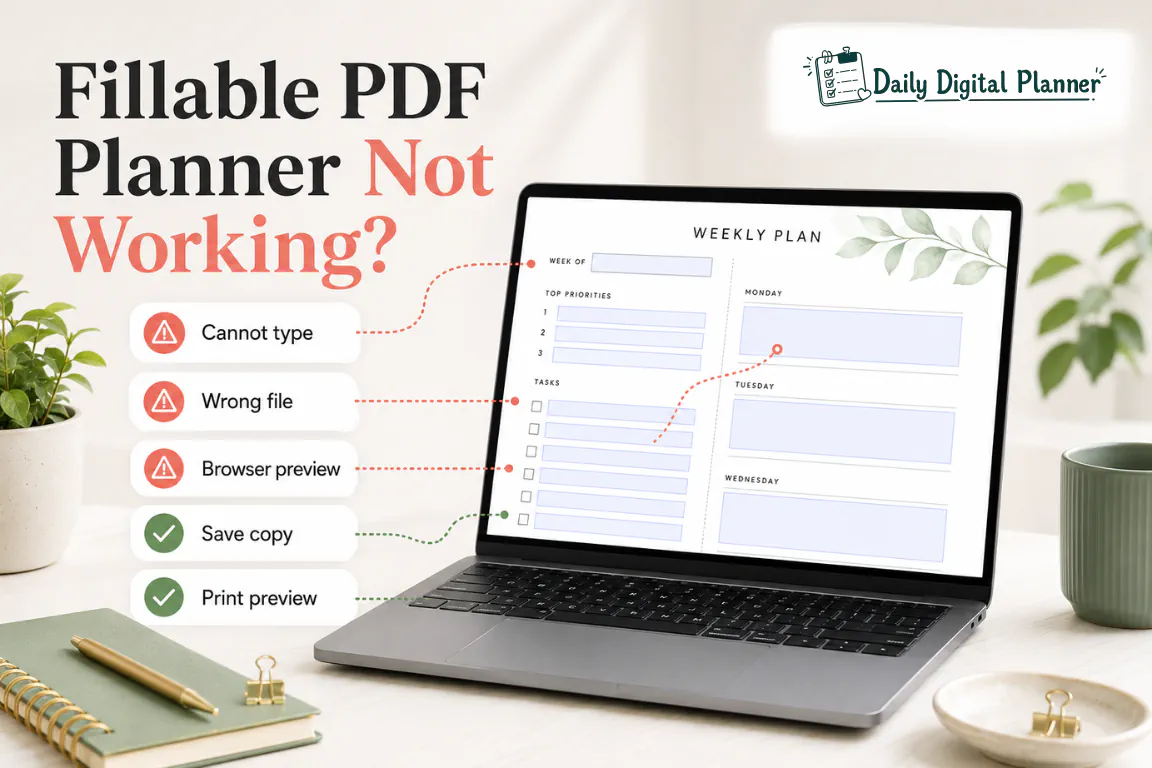
Why Your Fillable PDF Planner Is Not Working and How to Fix It
A fillable PDF planner usually stops working because the wrong file version is open, the PDF is flat, the file is in a browser preview, or the save/print step has not been checked.